Image Upscaler & Sharpener
Enlarge a small image and sharpen the result using real multi-step resampling and an unsharp mask · free, no signup
See Image Upscaler & Sharpener in action
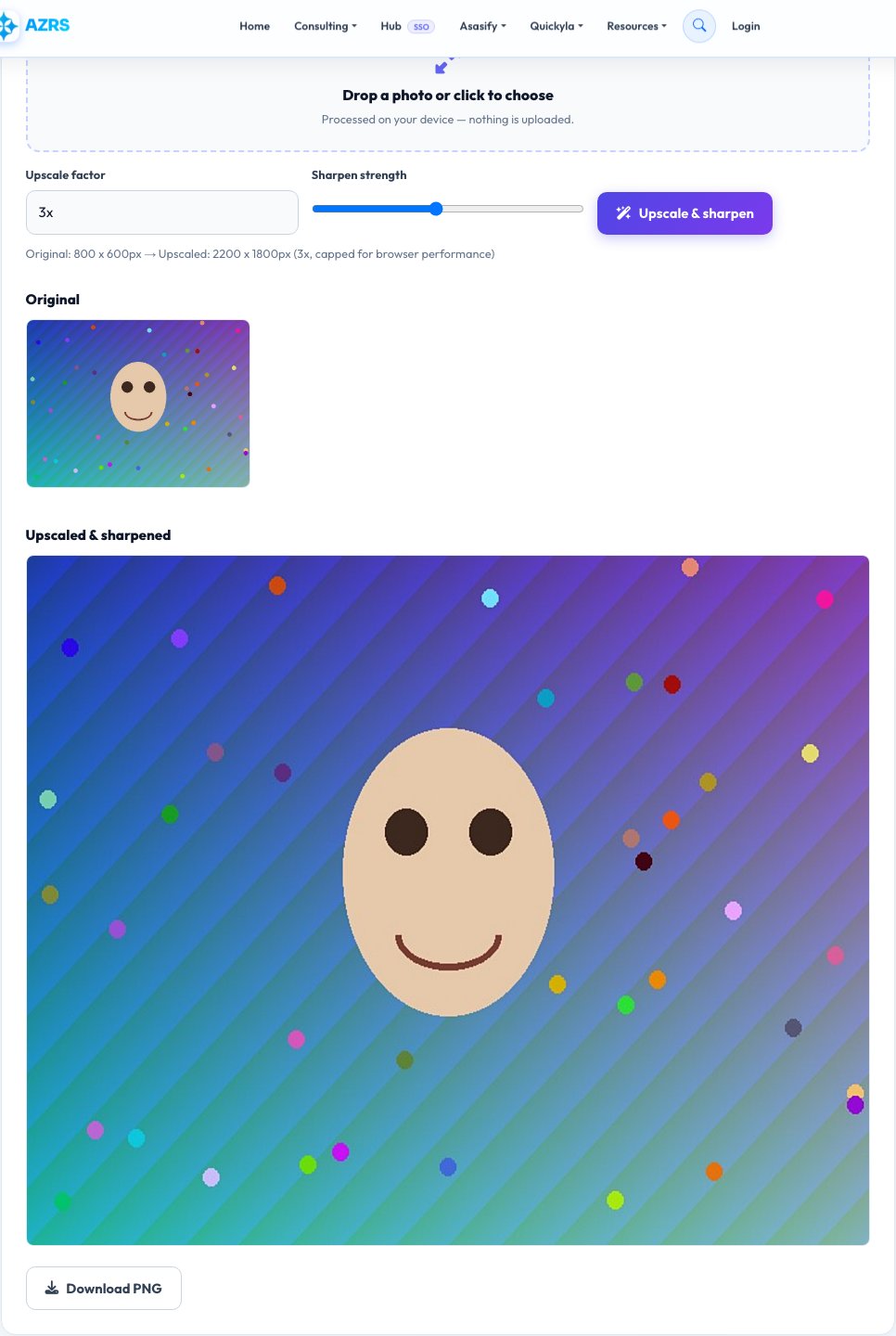
Free Image Upscaler & Sharpener
Enlarge a photo by 2x, 3x or 4x and this tool resamples it in several smaller steps rather than one single jump, which produces noticeably smoother edges than a browser's default single-pass resize — a well-known technique for reducing the blocky or blurry look of naive image scaling. After resizing, an unsharp-mask filter (the same core sharpening technique used in professional photo editors) is applied to restore crisp edge contrast that resizing softens.
Being upfront about what this is and isn't: this is a real, honest signal-processing upscale and sharpen — multi-step resampling plus a convolution-based unsharp mask — not an AI model inventing new detail that was never in the original photo. For genuinely tiny or heavily compressed source images, no algorithm (including AI ones) can perfectly recover detail that was never captured, but this tool will make the enlarged result noticeably cleaner and crisper than a plain resize.
Key features
Multi-step smooth resampling
Enlarges gradually across several passes instead of one jump, reducing blockiness.
Real unsharp-mask sharpening
The same core sharpening technique used in professional photo editing software.
Adjustable sharpen strength
From a subtle edge boost to a strong, crisp result.
Honest about limits
A real filter-based upscale, not an AI claim it can't back up client-side.
How to use it
- Upload an image.
- Choose an upscale factor: 2x, 3x or 4x.
- Adjust the sharpen strength slider and preview the result.
- Download the upscaled, sharpened image.
Worked example
Example
A 400x300px product photo upscaled 3x becomes 1200x900px with multi-step resampling for smoother edges, then a moderate unsharp mask pass to restore crisp detail before it's used on a listing or printed.
Who uses this tool
Online sellers
Enlarge a small product photo to meet a marketplace's minimum image size requirement.
Bloggers and social media users
Make a small saved image usable at a larger display size without an obvious blur.
Anyone with an old, low-resolution photo
Get a cleaner, crisper enlargement than a browser's default resize.
Tips for the best results
- Start from the highest-resolution original you have — no upscaler, including AI ones, can recover detail that was never captured.
- Use a moderate sharpen strength first; pushing it to maximum can introduce visible haloing around edges.
- 2x is usually the most reliable factor for a clean result; going to 4x from a very small source will show its limits more.
- JPG artifacts in the source get enlarged along with everything else, so a cleaner source (PNG or high-quality JPG) upscales better.
Common mistakes to avoid
- Expecting AI-level detail invention from a 100x100px thumbnail — this is real signal processing, not generative AI, and is honest about that limit.
- Over-sharpening until edges show a visible white/dark halo, a classic unsharp-mask side effect at high strength.
- Upscaling an already heavily compressed, artifact-ridden JPG and expecting the artifacts to disappear — they get enlarged too.
Why use AZRS QuickFix?
It is 100% free, needs no signup and has no watermark or usage limits. The tool runs in your browser, so what you type stays on your device, and it works on phones, tablets and desktops. New tools are added every week — bookmark this page or browse the full QuickFix toolbox.
Frequently asked questions
Is this AI upscaling?
No — it's a real, honest combination of multi-step resampling and unsharp-mask sharpening, standard signal-processing techniques, not a generative AI model. It won't invent detail that was never in the original photo.
How much can I enlarge an image?
Up to 4x in this tool. Results depend heavily on your starting resolution and quality — a sharp, high-resolution source enlarges much more cleanly than a tiny, blurry one.
Will this fix a very blurry or pixelated photo?
It can meaningfully improve edge crispness and reduce blockiness from resizing, but it can't recover detail that the original photo never captured.
What's an unsharp mask?
A sharpening technique that increases contrast along edges to make them look crisper — it's the core method behind the sharpen tool in most professional photo editors.
Is my photo uploaded anywhere?
No, everything runs locally using canvas in your browser.
Is this free?
Yes, with no signup, watermark or resolution cap beyond your own device's memory.