Free CSS Minifier
Compress & optimise your CSS instantly — remove whitespace, comments & redundant code, free and unlimited.
See Free CSS Minifier & Compressor in action
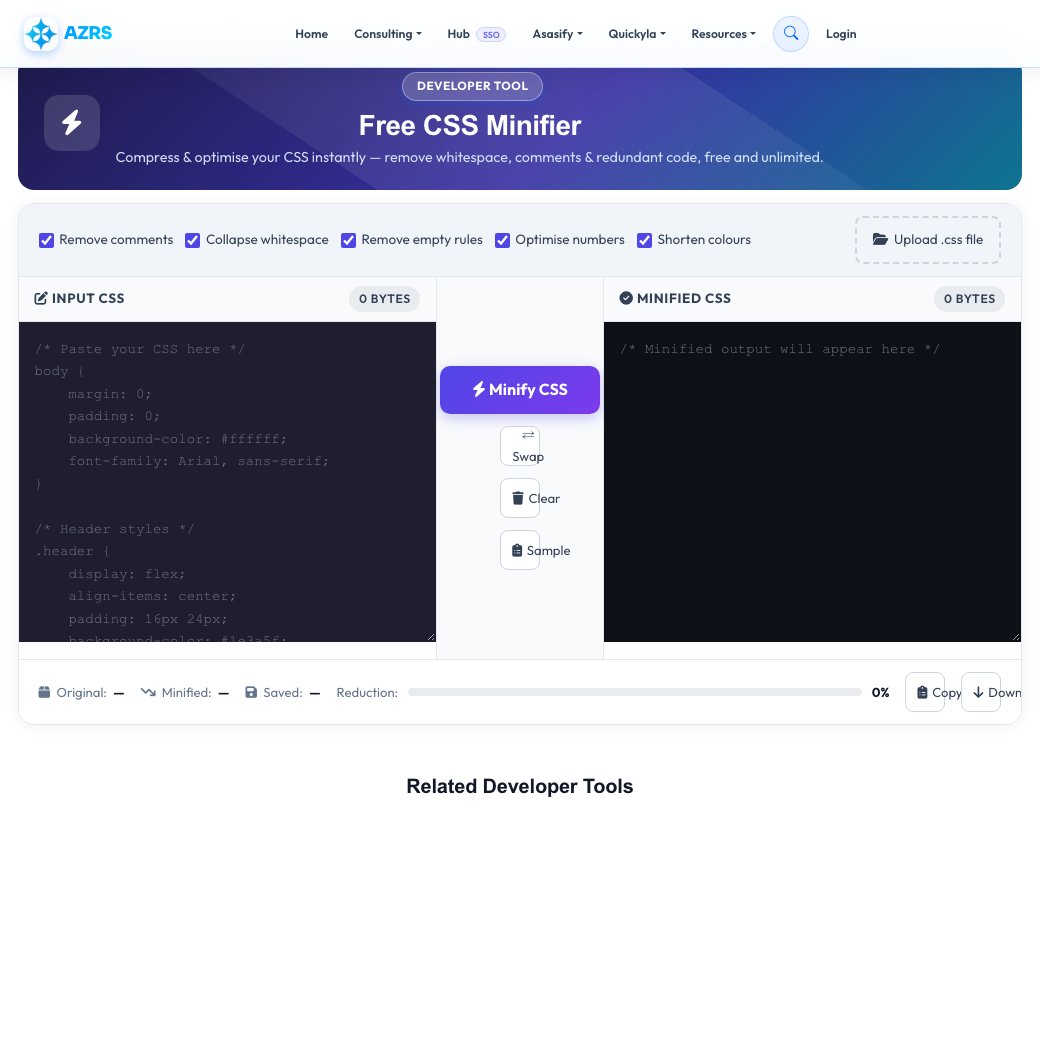
Free CSS Minifier & Compressor
Paste your CSS or upload a .css file and shrink its size by stripping comments, collapsing unnecessary whitespace, removing empty rule blocks, shortening numeric values (like 0px to 0) and shortening hex colors (like #ffffff to #fff) — without changing how the stylesheet renders.
Every optimization is a toggle you control, and the result shows an exact before/after byte size with the percentage saved, so you can see precisely how much smaller your production CSS becomes before you ship it.
Key features
Selectable optimizations
Toggle comment removal, whitespace collapsing, empty-rule removal, number shortening and color shortening independently.
Exact size comparison
See original size, minified size and percentage saved for your specific file.
Paste or upload
Work directly in the browser or upload a .css file from your computer.
Copy or download
Copy the minified result to clipboard or download it as a ready-to-deploy .css file.
How to use it
- Paste your CSS directly, or upload a .css file.
- Toggle which optimizations to apply — comments, whitespace, colors and more.
- Click Minify to process it — this happens in milliseconds.
- Copy the result or download the minified .css file.
Worked example
Example
Input: 14.2 KB of CSS with comments and 6-decimal-precision values.
Output: minified to a smaller single-line file with comments stripped, whitespace collapsed, 0px shortened to 0, and #ffffff shortened to #fff — with the exact byte reduction shown.
Who uses this tool
Web developers
Reduce stylesheet size and page weight before deploying to production.
Freelancers & agencies
Quickly compress client CSS files without setting up a build pipeline.
Students learning web dev
See exactly what minification changes by comparing readable and minified output side by side.
Tips for the best results
- Keep an unminified, readable source file in version control and only minify the deployed copy.
- Combine minification with server-side gzip compression (most hosts do this automatically) for the largest total size reduction.
- Double-check any CSS using specific whitespace-dependent hacks, though these are rare in modern stylesheets.
- Re-minify after every source change rather than manually editing the minified output directly.
Common mistakes to avoid
- Editing the minified file directly instead of the readable source — you'll lose readability and risk introducing hard-to-spot errors.
- Assuming minification alone is enough for performance — pair it with proper caching headers and compression on the server.
- Minifying CSS that contains unclosed comments or malformed syntax, which can produce unexpected results — validate first.
Why use AZRS QuickFix?
It is 100% free, needs no signup and has no watermark or usage limits. The tool runs in your browser, so what you type stays on your device, and it works on phones, tablets and desktops. New tools are added every week — bookmark this page or browse the full QuickFix toolbox.
Frequently asked questions
What is CSS minification?
Removing unnecessary characters like whitespace, comments and redundant code from a CSS file without changing its functionality, to reduce file size and speed up loading.
Is this CSS minifier free?
Yes, completely free with unlimited usage and no account required.
How much can CSS be minified?
Typical files shrink by 20-80% depending on how much whitespace and commenting the original source contains.
Will minifying break my CSS?
No, the tool only removes whitespace, comments and redundant separators — the resulting CSS is functionally identical.
Can I upload a .css file?
Yes, use the upload option instead of pasting the code directly.
What optimizations does it apply?
Comment and whitespace removal, empty rule removal, numeric value shortening (like 0px to 0), and hex color shortening (like #ffffff to #fff) — each toggleable.