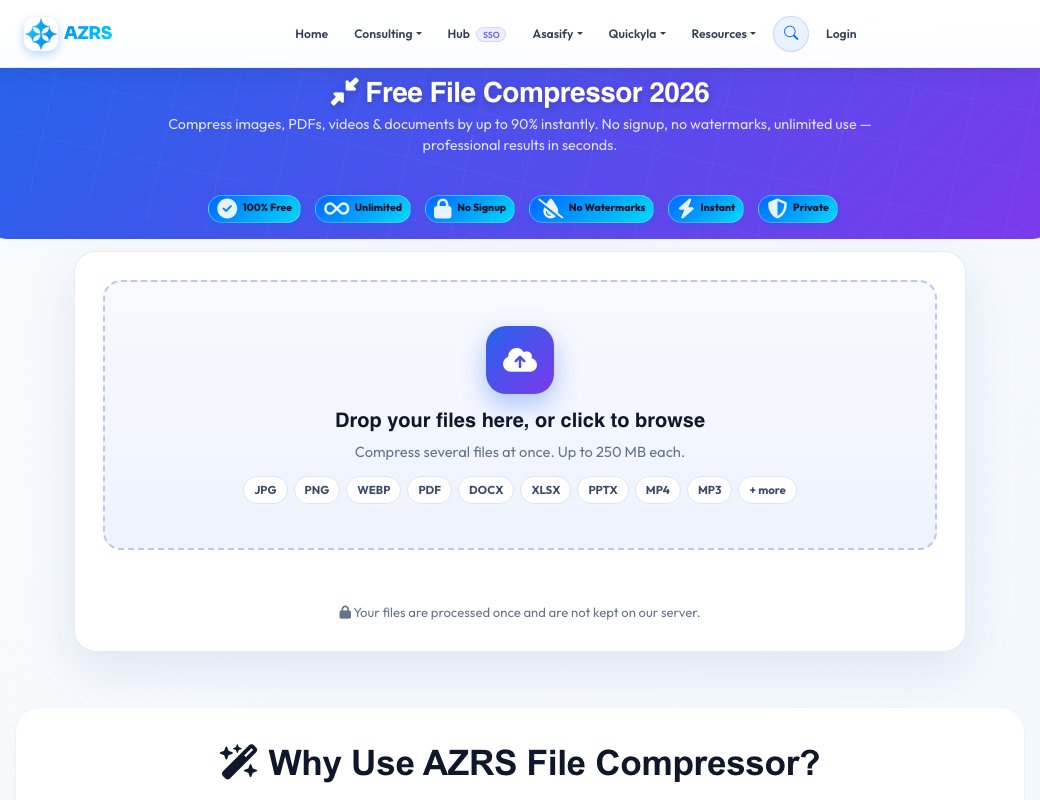
Free File Compressor 2026
Compress images, PDFs, videos & documents by up to 90% instantly. No signup, no watermarks, unlimited use — professional results in seconds.
Drop your files here, or click to browse
Compress several files at once. Up to 250 MB each.
How small should it be?
Each file is compressed to be at or under this size. If a target is too small for a file to stay readable, we tell you and give the best result we can.
Your files are processed once and are not kept on our server.
Why Use AZRS File Compressor?
Professional file compression that actually works
Image Compression
Reduce JPG, PNG, WebP, GIF files by 60-90% while maintaining visual quality. Perfect for websites and social media.
PDF Optimization
Compress large PDF files by 20-50%. Ideal for email attachments and document sharing.
Document Files
Analyze DOCX, XLSX, PPTX files. Already compressed format, but we'll show optimization tips.
Video & Audio
Get compression recommendations for MP4, AVI, MOV, MP3 files. Guidance on best tools and settings.
Custom Quality
Choose compression quality from 10% to 100%. Balance between file size and quality based on your needs.
Privacy First
All files are processed securely and deleted immediately. No storage, no tracking, complete privacy.
How It Works
Compress any file in 3 simple steps
Upload File
Drag & drop or click to browse. Supports images, PDFs, documents, videos & audio.
Choose Settings
Use AUTO for best results, or MANUAL to set exact quality from 10–100%.
Download Result
Get your compressed file instantly with full size savings stats shown.
Supported File Formats
Compress almost any file type
Images
JPG, PNG, WebP, GIF, BMP, TIFF
PDF Files
PDF documents & scanned pages
Documents
DOCX, XLSX, PPTX files
Videos
MP4, AVI, MOV, MKV, WebM
Audio
MP3, WAV, OGG, FLAC, AAC
Built by AZRS Corp
AZRS Corporation is a technology company based in Fremont, California, specialising in AI-powered web tools. We build free, accessible software that helps people optimise their files and workflows.
See Free Online File Compressor in action
Free Online File Compressor
Shrink images and files so they upload faster, email easily and take less space. Choose automatic compression for the best balance, or set the quality yourself and see how much space you save before you download.
Smaller files load faster on websites, fit within email and form upload limits, and free up storage on your phone and computer.
Automatic or manual
Let the tool pick the best setting or control the quality yourself.
See the savings
Compare original and compressed size instantly.
Popular formats
Works with common image and document formats.
Free and private
No signup and files are discarded after processing.
How to use it
- Upload your file.
- Choose auto or manual quality.
- Click compress.
- Download the smaller file.
Frequently asked questions
How much can a file be compressed?
It depends on the file. Photos often shrink by 50 to 90 percent with little visible difference.
Will quality be lost?
High quality settings are nearly invisible. Lower settings save more space but reduce detail.
Is the file compressor free?
Yes, it is free with no signup.
Are my files kept?
No. Files are processed and then discarded.