Progress Photos with Before/After Slider
Private photo timeline with a drag-to-compare before and after slider · free, no signup
See Progress Photos with Before/After Slider in action
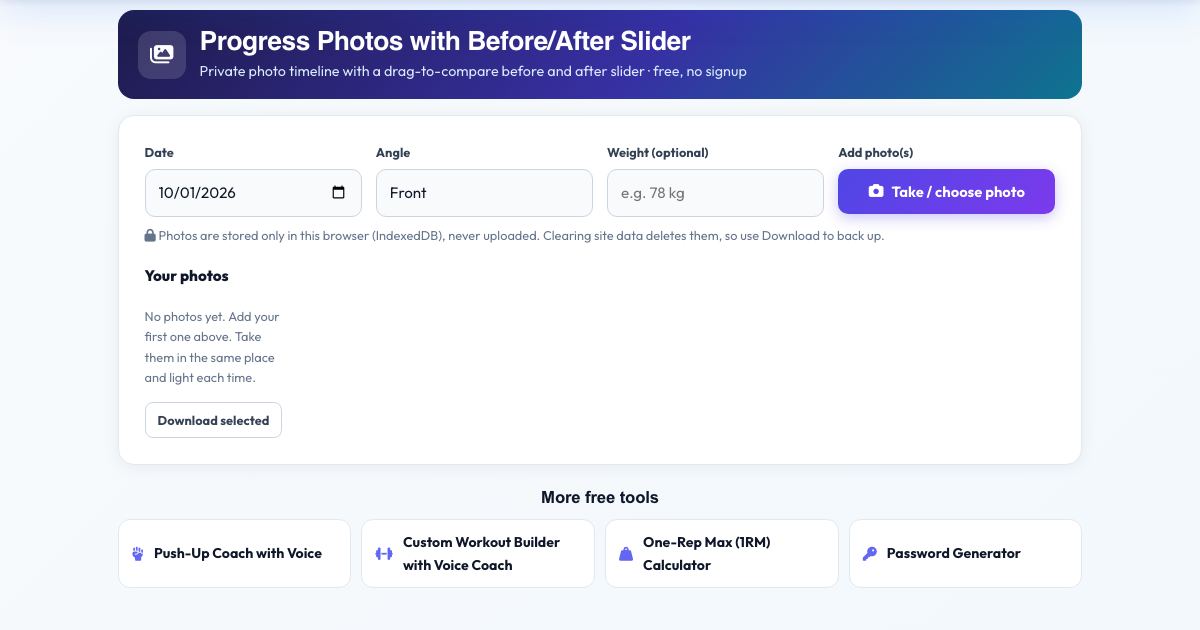
Progress Photos with Before/After Slider
Add front, side and back photos as you train and see a timeline of your progress. Pick any two photos and drag a slider to compare before and after. Photos are resized and stored only in your browser, never uploaded.
Take them in the same place, light and pose each time for the fairest comparison, and download any photo to back it up.
Key features
Timeline by date and angle
Front, side and back.
Before/after slider
Drag to compare.
Private storage
Stays on your device.
Download and delete
Full control.
Automatic resizing
Saves space.
How to use it
- Pick the date and angle, then add a photo.
- Add more over the following weeks.
- Tap two photos to choose before and after.
- Drag the slider to compare.
Worked example
Example
A photo from week 1 versus week 12 side by side, with the slider showing visible changes in posture and shape.
Who uses this tool
Anyone on a fitness journey
See changes the scale misses.
Coaches
Private client progress.
Tips for the best results
- Same lighting, distance, time of day and pose.
- Back up photos you value.
Common mistakes to avoid
- Clearing browser data without downloading photos.
Why use AZRS QuickFix?
It is 100% free, needs no signup and has no watermark or usage limits. The tool runs in your browser, so what you type stays on your device, and it works on phones, tablets and desktops. New tools are added every week — bookmark this page or browse the full QuickFix toolbox.
Frequently asked questions
Can anyone else see my photos?
No. They never leave your browser.
Is it free and private?
Yes. It is free with no signup. Everything runs in your browser and anything saved stays on your own device.