Biceps Curl Counter (Camera)
Counts every biceps curl with your camera and tells you to curl higher · free, no signup
Voice & sounds
See Biceps Curl Counter (Camera) in action
Biceps Curl Counter (Camera)
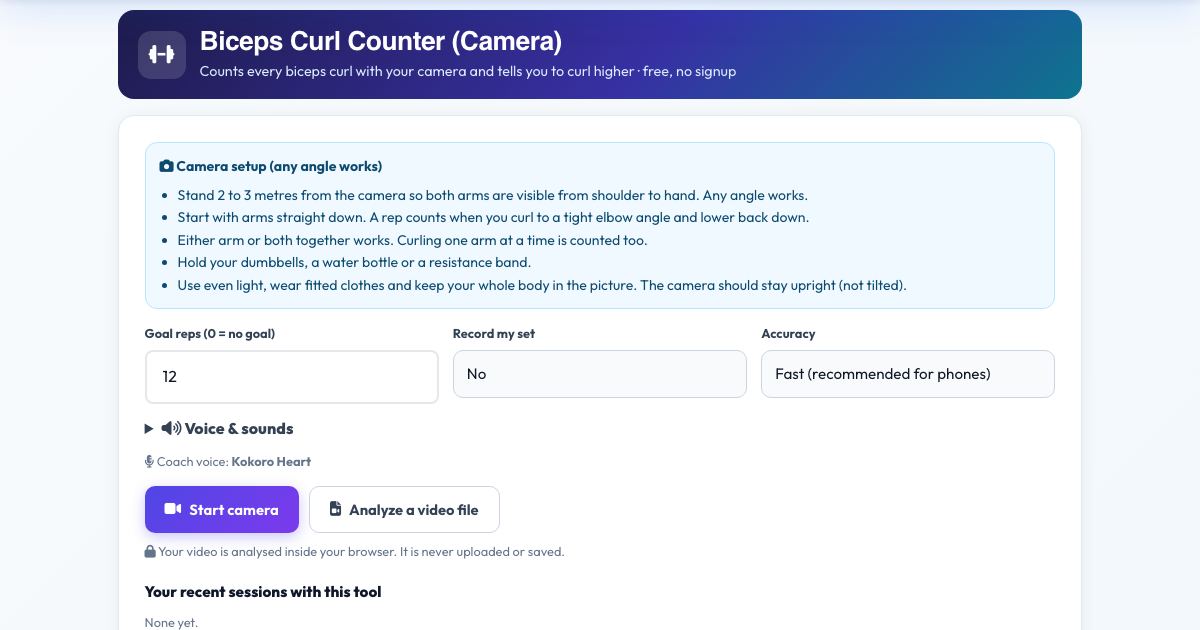
Pick up your dumbbells and let the camera count your curls. It measures your elbow angle in 3D and counts a rep each time you curl all the way up and lower back to straight arms, with either arm or both together.
Half curls are not counted, and the coach tells you to curl higher. Set a goal, hear each count, and check your form score and rep speed afterwards.
Key features
Counts full curls only
Half reps are ignored.
One arm or both
Alternating curls work.
Any camera angle
3D elbow angle.
Voice coach
Kokoro counts and cues.
Rep speed and form score
See your tempo.
Private
Video stays in your browser.
How to use it
- Stand 2 to 3 metres from the camera so both arms are visible.
- Press Start camera and wait for the countdown.
- Curl with arms straight at the bottom and a tight squeeze at the top.
- Press Finish & save for your summary.
Worked example
Example
Goal 12: you curl 12 times, hear 'one' to 'twelve', and get 'Goal reached'.
Who uses this tool
Home lifters
Count without losing focus.
Beginners
Learn full range of motion.
Coaches
Objective rep counts.
Tips for the best results
- Keep your elbows by your sides.
- Lower fully until the arm is straight.
Common mistakes to avoid
- Swinging the weights with your back.
- Standing too close so the hands leave the frame.
Why use AZRS QuickFix?
It is 100% free, needs no signup and has no watermark or usage limits. The tool runs in your browser, so what you type stays on your device, and it works on phones, tablets and desktops. New tools are added every week — bookmark this page or browse the full QuickFix toolbox.
Frequently asked questions
Does it count both arms?
Yes. Either arm or both. A rep needs the arm to fully straighten between curls.
Does it work from any camera angle?
Yes. Joint angles are measured in 3D, so front, side and diagonal views give the same readings. Keep the camera upright and your whole body in the picture.
Is my video uploaded?
No. The pose detection runs inside your browser. Nothing is recorded, uploaded or stored unless you choose to save a replay on your own device.
Is it free and private?
Yes. It is free with no signup. Everything runs in your browser and anything saved stays on your own device.