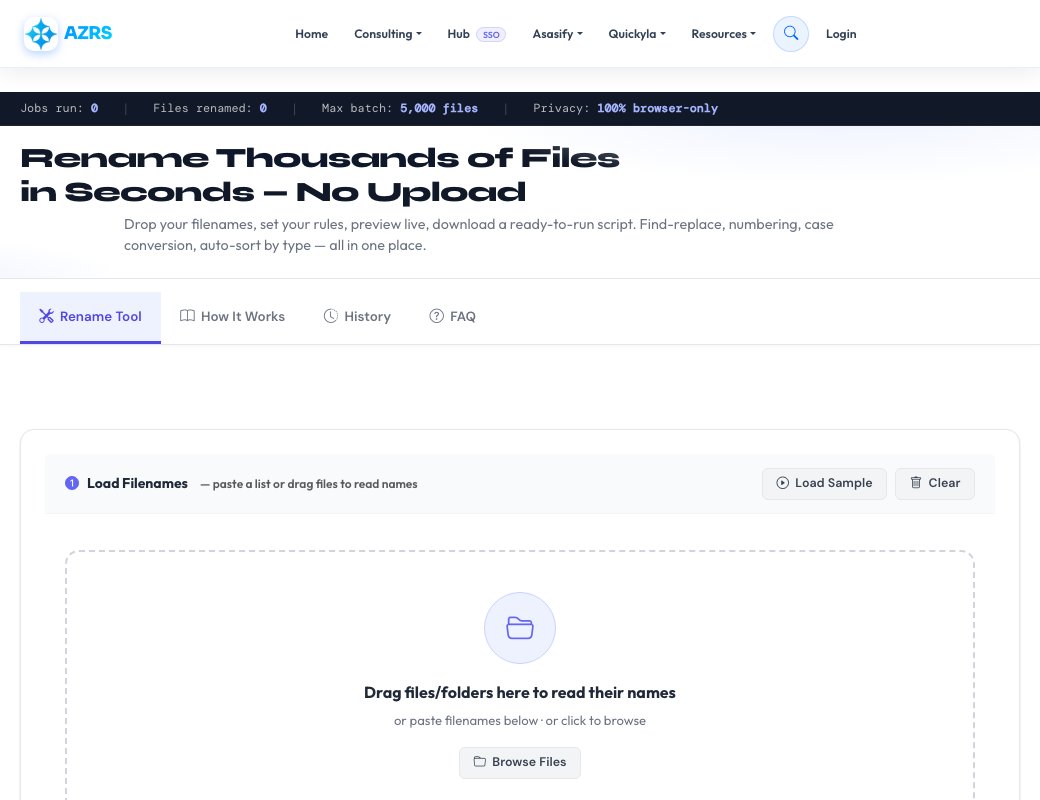
Rename Thousands of Files
in Seconds — No Upload
Drop your filenames, set your rules, preview live, download a ready-to-run script. Find-replace, numbering, case conversion, auto-sort by type — all in one place.
Preview — 0 files
| # | Original Name | New Name | Folder | Status |
|---|
Three steps from messy filenames to a clean, organised folder — all without ever uploading your files.
Load filenames
Drag files or folders onto the drop zone, paste a list of names, or browse and select. Only filenames are read — file contents stay on your device.
Configure rules
Mix and match: find-replace, case conversion, auto-numbering, prefix/suffix, remove special characters, change extensions, auto-sort into folders.
Preview & export
See every change before it happens. Spot duplicates and errors. Download a Bash, PowerShell, or Python script and run it from your files folder.
Manually renaming dozens — let alone thousands — of files is tedious, error-prone, and eats up time that's better spent elsewhere. Whether you're a photographer cleaning up a shoot, a developer normalising asset names, or a researcher organising a data archive, a batch rename tool can turn a day of clicking into a few seconds of work.
Our tool runs entirely in your browser using JavaScript. This means your actual files are never uploaded to any server — only the filenames you provide are ever processed. The output is a portable shell script you run yourself, giving you full control and a reviewable audit trail.
Common use-cases include: normalising photo names from cameras (IMG_0042.JPG → photo_042.jpg), sanitising filenames for web deployment (removing spaces and special characters), adding date prefixes to backups, converting Windows paths to Unix-friendly names, and bulk-changing file extensions after a format conversion.
Recent jobs processed by your browser session or IP.
(\d{4})-(\d{2})-(\d{2}) with $3/$2/$1 to reformat dates).mkdir and mv commands.See Free Bulk File Renamer & Organizer in action
Free Bulk File Renamer & Organizer
Rename and organise hundreds of files at once. Set simple rules such as adding a prefix, numbering files in order, changing case or sorting by type, preview exactly what will change, then download a ready-to-run script for your computer.
Your files never leave your device. The tool works from the file names you provide and generates scripts (Bash, PowerShell or Python) that you run yourself, so it is safe for private photos and documents.
Bulk rename
Add prefixes, suffixes, numbering and find-and-replace across many files.
Sort into folders
Organise files by extension, date or your own rules.
Preview first
See every old and new name before anything changes.
Cross-platform scripts
Download a Bash, PowerShell or Python script and run it on your own files.
How to use it
- Add your file names.
- Choose renaming and folder rules.
- Preview the results.
- Download and run the script in your files folder.
Frequently asked questions
Are my files uploaded?
No. Only file names are used to build the script, and you run the script on your own computer.
Is the bulk file organizer free?
Yes, it is free with no signup.
Which scripts can I download?
Bash for Mac and Linux, PowerShell for Windows, and Python for any system.
Can I undo a rename?
Keep a backup of your files first. Preview carefully before running any script.