Free Video Downloader 2026
Download videos from Facebook, Instagram, TikTok, Twitter, and 1000+ websites. Free, unlimited, no signup required. Multiple quality options from 4K to 360p.
Paste Video URL
Supported Platforms:
Video Information
Video Title
No video formats available
No audio formats available
See Free Video Downloader — Save Videos From a URL in action
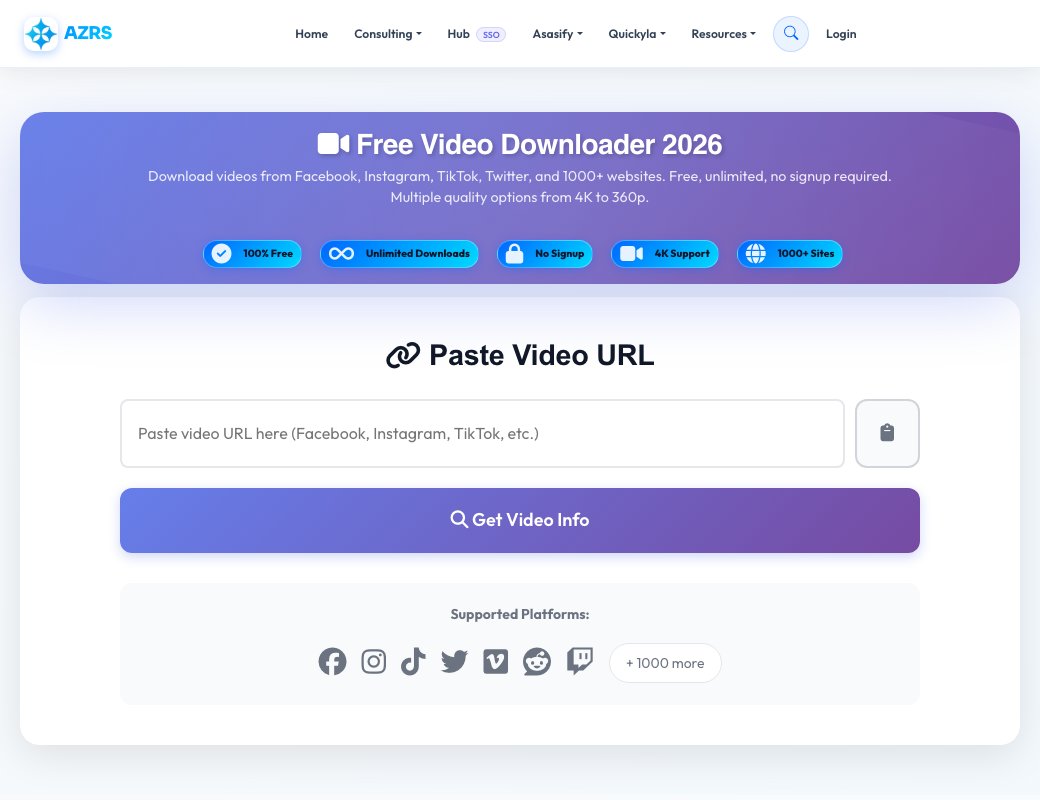
Free Video Downloader — Save Videos From a URL
Paste a video URL and this tool fetches its metadata first — title, uploader, thumbnail, view count, upload date and duration — so you can confirm it's the right video before downloading anything. It works across the major video-hosting platforms and detects which platform the link belongs to automatically.
Once the info loads you choose from the available quality/format options in the result tabs and download the file directly to your device. There's no account, no watermark added by the tool, and no software to install.
Key features
Instant video info preview
See the thumbnail, title, uploader, views and duration before committing to a download.
Multi-platform link detection
Paste a URL and the tool badges which platform it recognised automatically.
Format tabs
Choose between the available video/quality options returned for that link.
Simple two-step flow
Paste a link, review the info, download — no extra settings required for a basic download.
How to use it
- Paste the full video URL into the input box.
- Click to fetch video information and wait for the preview card to load.
- Check the title, thumbnail and duration to confirm it's the right video.
- Pick a format from the tabs and download the file to your device.
Worked example
Example
Paste a link to a public video you want to save for offline viewing. The tool shows its thumbnail and a 12:34 duration badge, confirming it found the right one, then lists the downloadable formats so you pick the quality you want.
Who uses this tool
Students
Save an educational video to watch later without an internet connection.
Content researchers
Keep a local copy of a public video referenced in a report or presentation.
Anyone with a slow or unreliable connection
Download once and rewatch offline instead of re-streaming repeatedly.
Tips for the best results
- Only paste public, non-restricted video links — private or login-gated videos generally can't be fetched.
- Check the duration and thumbnail in the preview before downloading to make sure you got the right link.
- Only download content you have the right to save; respect the source platform's terms and copyright.
- If fetching fails, double-check the URL was copied in full, including the protocol (https://).
Common mistakes to avoid
- Pasting a shortened or redirect link that the tool can't resolve — use the direct video page URL instead.
- Downloading copyrighted content for redistribution, which may violate the source platform's terms.
- Expecting every private, age-restricted or region-locked video to be downloadable — some links won't fetch.
Why use AZRS QuickFix?
It is 100% free, needs no signup and has no watermark or usage limits. The tool runs in your browser, so what you type stays on your device, and it works on phones, tablets and desktops. New tools are added every week — bookmark this page or browse the full QuickFix toolbox.
Frequently asked questions
Is the video downloader free?
Yes, it's free to use with no signup required.
Which platforms are supported?
The tool auto-detects the platform from the URL and shows a platform badge once recognised; it covers the major public video-hosting sites.
Does it add a watermark?
No, the tool downloads the video as provided by the source without adding any watermark.
Why did fetching the video info fail?
The link may be private, region-restricted, removed, or not a direct video page URL — try copying the link again from the source.
Can I choose the video quality?
Yes, once the info loads you can pick from the format options shown in the result tabs.
Is it legal to download videos this way?
Only download videos you own or have permission to save; copyright rules vary by platform and region, so check before downloading.