Computer Speed Test (Browser Benchmark)
Benchmark your computer or phone in 10 seconds and compare devices · free, no signup
| Test | What it measures | Time | Score |
|---|
| When | Score | Browser | Cores |
|---|---|---|---|
| No runs yet. | |||
See Computer Speed Test (Browser Benchmark) in action
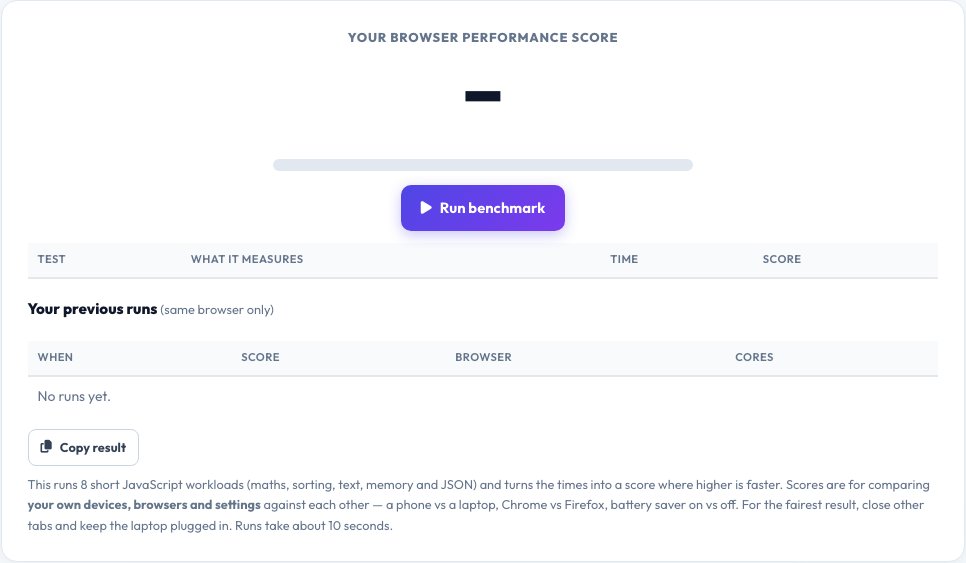
Computer Speed Test — A 10-Second Browser Benchmark
Is your computer fast, or just feels slow? This benchmark runs eight short workloads directly in your browser — integer maths, floating-point (a Mandelbrot render), sorting numbers and objects, text processing, memory bandwidth, JSON conversion and SHA-256 hashing — times each one, and combines them into a single performance score where higher means faster.
The score is designed for comparing your own devices, browsers and settings: a phone against a laptop, Chrome against Firefox, battery-saver against high-performance mode, or before and after you close background apps. Your last ten runs are saved in your browser so you can watch the trend. It is a browser benchmark, not a full hardware review, so treat it as a practical everyday-performance indicator.
Key features
8 real workloads
Maths, sorting, text, memory, JSON and hashing.
One clear score
Higher is faster, with a plain-English rating.
History
Your last 10 runs are saved for comparison.
No install
Runs in any modern browser in about 10 seconds.
How to use it
- Close other tabs and apps for a clean run.
- Click Run benchmark and keep the tab in front.
- Read the score and the time per test.
- Change a setting or device and run again to compare.
Worked example
Example
Score 1,240 on a laptop plugged in vs 620 on battery saver → power-saving mode halves speed.
Who uses this tool
Buyers and sellers
Compare devices with the same test.
Gamers and creators
Check whether a tweak or driver update helped.
IT and support
Show whether a slow computer really is slow.
Tips for the best results
- Plug in laptops and choose the best-performance power mode.
- Run three times and use the middle result.
- Close video calls and downloads first.
- Compare using the same browser for a fair result.
Common mistakes to avoid
- Comparing scores between different browsers as if they were hardware only.
- Running on battery saver and blaming the CPU.
- Leaving heavy tabs open during the test.
Why use AZRS QuickFix?
It is 100% free, needs no signup and has no watermark or usage limits. The tool runs in your browser, so what you type stays on your device, and it works on phones, tablets and desktops. New tools are added every week — bookmark this page or browse the full QuickFix toolbox.
Frequently asked questions
What does the score mean?
It combines the speed of eight tests. It has no fixed scale, so use it to compare your own devices and settings.
Why do my results vary?
Background tasks, temperature and power mode change speed. Run several times.
Is this a CPU benchmark?
It measures browser performance that depends on the CPU, memory and browser engine — a good everyday indicator, not a synthetic hardware test.
Will it slow down my computer?
It uses the processor heavily for a few seconds and then stops.
Are results uploaded?
No. History is stored only in your browser.
Can I use it on a phone?
Yes, but phones may throttle when hot, so scores can vary.