STL Scale, Rotate, Mirror & Unit Fix Tool
Fix 'model is 25.4× too big', rotate, mirror and resize STL files · free, no signup
See STL Scale, Rotate, Mirror & Unit Fix Tool in action
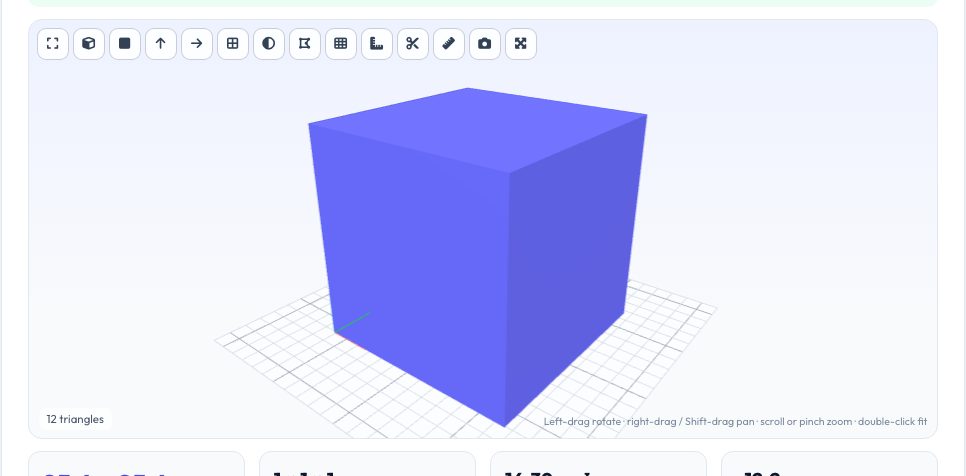
Free STL Scale, Rotate & Mirror Tool (with Unit Fix)
STL files carry no units, so a model designed in inches arrives in a slicer as a 1-unit speck — or a metres-based model as a building. This tool fixes it in one click: pick Inches → mm (×25.4), cm → mm, metres → mm or the reverse, or type an exact size in millimetres for any axis with the aspect ratio locked or free. The live readout shows the model in both millimetres and inches so you can sanity-check against what you expect.
Beyond scale you can rotate about X, Y or Z in any angle, flip it upside-down, mirror it (printing the left-hand version of a part), centre it on the bed and drop it to Z = 0, or ask the tool to lay its largest flat face on the bed automatically. Every step can be undone, and a history line shows what you have applied. Winding order is corrected automatically when you mirror, so the result is still a valid solid.
Key features
One-click unit fixes
Inches ↔ mm, cm, metres, ×1000 and ×2.54 mistakes.
Exact-size scaling
Type the X/Y/Z size you need, with proportions locked or unlocked.
Rotate, flip, mirror
Any angle, quick 90° buttons, valid winding after mirror.
Lay flat & centre
Auto-find the largest flat face and place the model on the bed.
How to use it
- Drop in your model and read its size.
- Click the unit fix that matches (e.g. Inches → mm).
- Rotate, mirror or position as needed.
- Download as STL, 3MF or OBJ.
Worked example
Example
A 2 × 1 × 0.5 unit STL that was designed in inches: click Inches → mm and it becomes 50.8 × 25.4 × 12.7 mm. A bracket printed lying on its side can be laid on its largest flat face with one click.
Who uses this tool
Anyone with a 'tiny' or 'giant' download
Fix units without opening CAD.
Makers making mirrored parts
Left and right versions from one file.
People preparing a model for a smaller bed
Scale down to exact size.
Tips for the best results
- If the model is almost exactly a whole number of inches in its biggest dimension, the unit was probably inches.
- Scaling does not change the shape — only dimensions — so also scale the tolerances you designed in.
- Mirroring changes handedness; use it for left/right parts, not just for flipping the view.
- Drop to bed after rotating so Z = 0 is the bottom face.
Common mistakes to avoid
- Scaling by 2.54 or 25.4 twice.
- Mirroring a part that contains text and forgetting the text is now backwards.
- Using a non-uniform scale on round features and getting ovals.
Why use AZRS QuickFix?
It is 100% free, needs no signup and has no watermark or usage limits. The tool runs in your browser, so what you type stays on your device, and it works on phones, tablets and desktops. New tools are added every week — bookmark this page or browse the full QuickFix toolbox.
Frequently asked questions
Why is my STL 25.4 times too big or small?
STL has no units. The model was authored in inches (or millimetres) and the slicer assumed the other.
Does mirroring break the mesh?
No — the tool reverses triangle winding so normals still point outward.
Can I undo?
Yes, every operation is undoable and you can reset to the original.
Is my file uploaded?
No, everything runs locally in the browser.