PLY / OFF / AMF / GLB / FBX / 3DS to STL Converter
Convert PLY, OFF, AMF, GLB, glTF, FBX and 3DS files to STL for printing · free, no signup
See PLY / OFF / AMF / GLB / FBX / 3DS to STL Converter in action
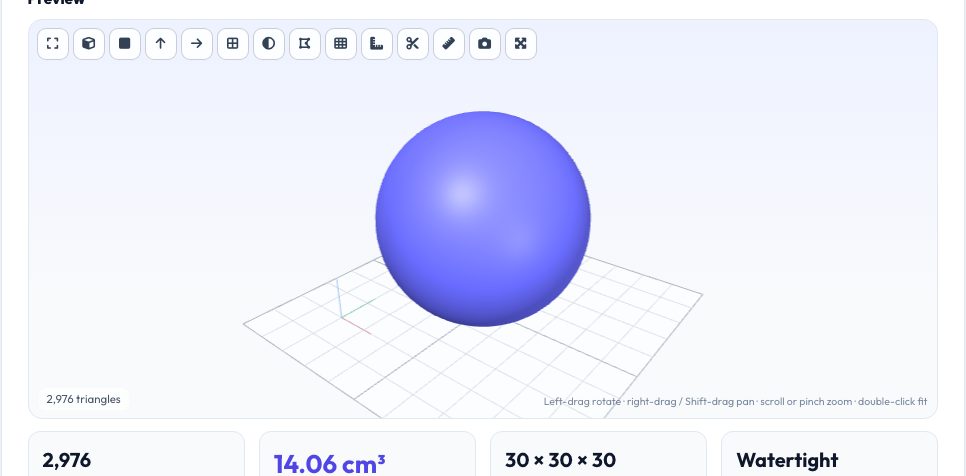
Free PLY / OFF / AMF / GLB / FBX / 3DS to STL Converter
3D models arrive in many formats: PLY from scanners and photogrammetry, GLB and glTF from the web and AR, FBX and 3DS from game and animation tools, AMF and OFF from research and older CAD. Slicers want STL or 3MF. This tool reads all of these formats directly in your browser and writes a clean, correctly scaled STL (or 3MF, OBJ, PLY, GLB).
The details that usually break prints are handled for you: glTF/GLB files are in metres and Y-up, so the converter scales to millimetres and rotates to Z-up; FBX is read in centimetres; polygons with more than three sides are triangulated properly; hierarchies with transforms are flattened. Then check the preview, volume and watertight status before downloading.
Key features
Seven import formats
PLY (ascii/binary), OFF, AMF (also zipped), GLB/glTF, FBX, 3DS and OBJ/3MF.
Scale and axis fixes
Metres → millimetres and Y-up → Z-up for web and game assets.
Proper triangulation
Quads and n-gons are ear-clipped, not just fanned, so concave faces stay correct.
Instant mesh health check
See volume, size and watertight status before slicing.
How to use it
- Drop in your PLY, GLB, FBX, 3DS, AMF or OFF file.
- Leave 'Rotate Y-up → Z-up' on for GLB/glTF and game assets.
- Pick STL (or 3MF) and press Convert.
- Check the preview and download.
Worked example
Example
A 0.05 m wide GLB model (metres, Y-up) converts to an STL 50 mm wide standing upright on the Z axis; a binary PLY scan with 200k triangles becomes a binary STL of about 10 MB.
Who uses this tool
3D-scanning users
Turn PLY scans into printable STL.
Game artists and Blender users
Print assets originally made for real-time engines.
Researchers
Convert OFF/AMF datasets for slicing or analysis.
Tips for the best results
- Scans and game assets are often open or non-manifold: run the STL Repair tool after converting.
- Point clouds (PLY with no faces) cannot be turned into a solid mesh here — reconstruct a surface first in MeshLab.
- Colours and textures are dropped; STL stores geometry only.
- If the model arrives tiny or huge, change the Source units dropdown.
Common mistakes to avoid
- Printing straight from a GLB conversion without checking wall thickness: game meshes are often single-surface and zero-thickness.
- Forgetting the Y-up → Z-up rotation so the model prints lying on its back.
- Expecting FBX animations or rigs to survive — only the static mesh is exported.
Why use AZRS QuickFix?
It is 100% free, needs no signup and has no watermark or usage limits. The tool runs in your browser, so what you type stays on your device, and it works on phones, tablets and desktops. New tools are added every week — bookmark this page or browse the full QuickFix toolbox.
Frequently asked questions
Does it support Draco-compressed GLB?
No. Re-export without mesh compression (Draco/meshopt) first.
What happens to textures and colours?
They are discarded; the output contains geometry only.
Can it convert point clouds?
No — a mesh with triangles or polygons is required. Point clouds need surface reconstruction first.
Is it free and private?
Yes — no signup, no limits, and files never leave your browser.