Cron Expression Generator
Build and explain cron schedules with next run times · free, no signup
How Cron Expression Generator works, step by step
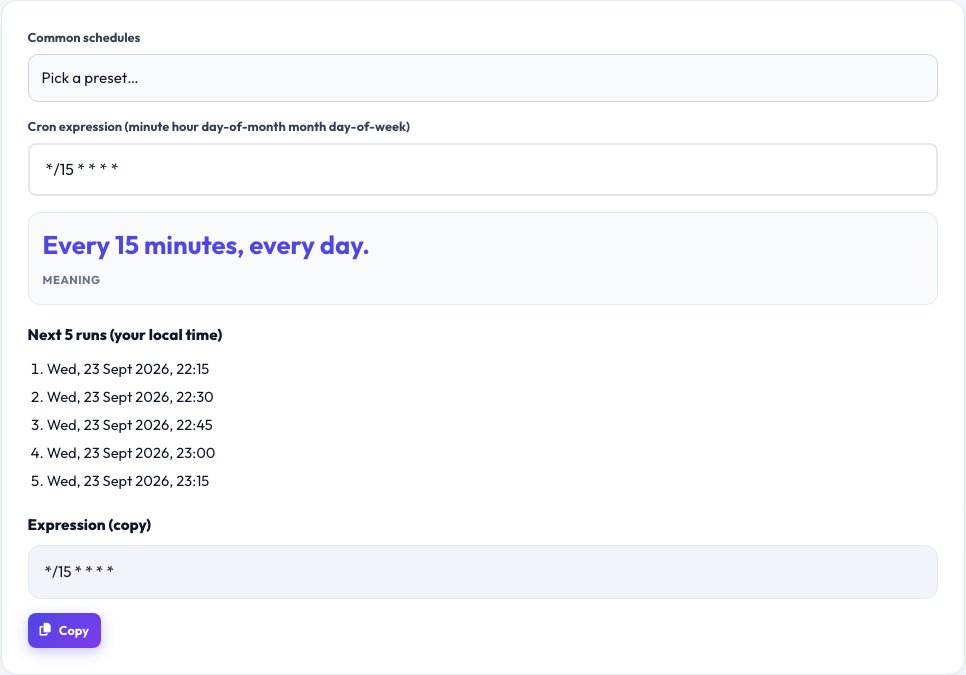
Pick a preset or type a cron expression.
 Download it
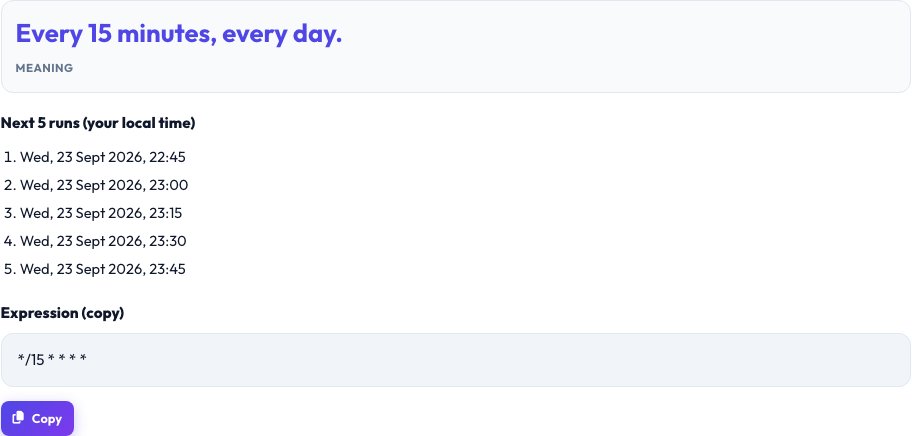
Read the explanation.
Free Cron Expression Generator — Build, Explain and Preview Cron Schedules
Cron is the standard scheduler on Linux and Unix and is used by many cloud tools to run jobs at set times. A cron expression has five fields — minute, hour, day of month, month and day of week — and can use lists (1,15), ranges (1-5), steps (*/15) and wildcards (*). It is powerful but easy to get wrong.
Pick a common preset or type your own expression, and this tool explains it in plain English and lists the next five times it will run, so you can be sure the schedule does what you expect. Quick presets cover common schedules such as every 5 minutes, hourly, daily at midnight, weekdays at 9 am and monthly.
Key features
Plain-English explanation
Understand any cron expression at a glance.
Next run times
See the next five executions.
Editable expression
Start from a preset, then tweak any of the five fields.
Common presets
Every minute, hourly, daily, weekly and monthly.
How to use it
- Pick a preset or type a cron expression.
- Read the explanation.
- Check the next run times.
- Copy the expression into your crontab or scheduler.
Worked example
Example
*/15 * * * *  → every 15 minutes
0 9 * * 1-5  → at 09:00 on Monday through Friday
0 0 1 * *  → at midnight on the 1st of every month
Who uses this tool
Developers and DevOps
Schedule backups, reports and clean-up jobs.
System administrators
Verify crontab entries before deploying.
Students
Learn cron syntax with instant feedback.
Tips for the best results
- Remember the field order: minute, hour, day of month, month, day of week.
- Use */5 for every 5 minutes.
- Check your server’s time zone — cron runs in server time.
- Log job output so you can debug failures.
Common mistakes to avoid
- Mixing up day of month and day of week.
- Forgetting time zones and daylight saving changes.
- Scheduling heavy jobs at the same minute across many servers.
Why use AZRS QuickFix?
It is 100% free, needs no signup and has no watermark or usage limits. The tool runs in your browser, so what you type stays on your device, and it works on phones, tablets and desktops. New tools are added every week — bookmark this page or browse the full QuickFix toolbox.
Frequently asked questions
What is a cron expression?
A five-field string that defines when a scheduled job runs.
What does */5 mean?
Every 5 units — for the minute field, every 5 minutes.
What does 0 0 * * * mean?
Every day at midnight.
Which time zone does cron use?
The server’s time zone unless configured otherwise.
Does this support seconds?
This tool uses the standard 5-field format.
Is it free?
Yes.