Yoga Pose Checker (Camera)
Camera checks your yoga pose joint by joint and tells you what to fix · free, no signup
Voice & sounds
See Yoga Pose Checker (Camera) in action
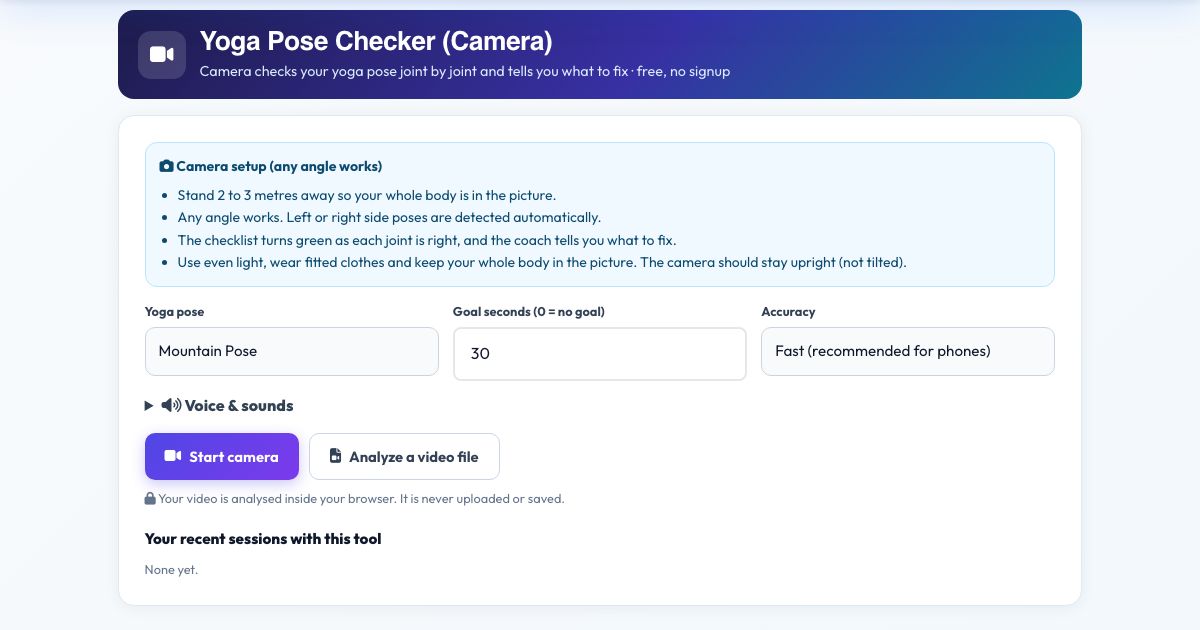
Yoga Pose Checker (Camera)
Choose Mountain, Chair, Warrior I, Warrior II, Tree, Triangle, Downward Dog or Plank. The checker compares your real joint angles with the pose, shows each requirement as a green tick or a red cross, and tells you in words and voice what to adjust: 'Bend your front knee more', 'Straighten your back leg', 'Raise your arms to shoulder height'.
It measures angles in 3D, so you can face the camera or turn side-on. Left or right sided poses are detected automatically. When every check is green the hold timer runs and the coach counts your breaths: 'Ten seconds. Keep breathing.'
Key features
8 poses
Standing, balance, lunge and floor poses.
Live checklist
Every joint is a tick or cross.
Spoken corrections
Specific, short, one at a time.
Hold timer
Only counts when the pose matches.
Any angle and either side
3D angles.
Private
No upload.
How to use it
- Choose a yoga pose.
- Stand 2 to 3 metres away so your whole body is in view and press Start camera.
- Move into the pose. Watch the checklist and listen to the coach.
- Hold it with everything green. Press Finish & save.
Worked example
Example
Warrior II: the checklist shows 'Front knee bent to 90°' in red until you sink lower, then green. With arms level and back leg straight, the timer starts.
Who uses this tool
Yoga beginners
Know if the pose is right.
Home practice
Feedback without a teacher.
Teachers
Quick demo aid.
Tips for the best results
- Wear fitted clothing so the legs and arms are clear.
- Use a plain wall behind you.
- Poses vary by body; use the guidance with your own comfort and range.
Common mistakes to avoid
- Forcing a joint to match a number when it hurts.
- Standing too close.
Why use AZRS QuickFix?
It is 100% free, needs no signup and has no watermark or usage limits. The tool runs in your browser, so what you type stays on your device, and it works on phones, tablets and desktops. New tools are added every week — bookmark this page or browse the full QuickFix toolbox.
Frequently asked questions
Is it a substitute for a teacher?
No. It checks angles. Always respect pain and your own range of motion.
Does it work from any camera angle?
Yes. The tool measures your joints in 3D, so front, side and diagonal views all give the same angles. Keep the phone or laptop upright (not tilted on its side) and keep your whole body in the picture.
Is my video uploaded or saved?
No. The pose detection runs inside your browser on your own device. Nothing is recorded, uploaded or stored, and the camera stops when you finish.
What do I need?
Any phone, tablet or computer with a camera and a modern browser (Chrome, Edge, Safari, Firefox). The page must be opened over https for the camera to work.
Can I use a video instead of the live camera?
Yes. Press 'Analyze a video file' and pick a recorded workout; it is counted the same way.
The counter is not counting. What should I check?
Make sure your whole body is visible, the room is lit, and you start from the correct start position. The message under the picture tells you what the camera is missing.