The pros and cons of using wired vs. wireless Xbox controllers
Wired controllers are convenient, but wired gamepads require less maintenance. I'm an Xbox gamer who battles with dead batteries pretty often. I've stuck with a pair of rechargeable AAs for years, a…
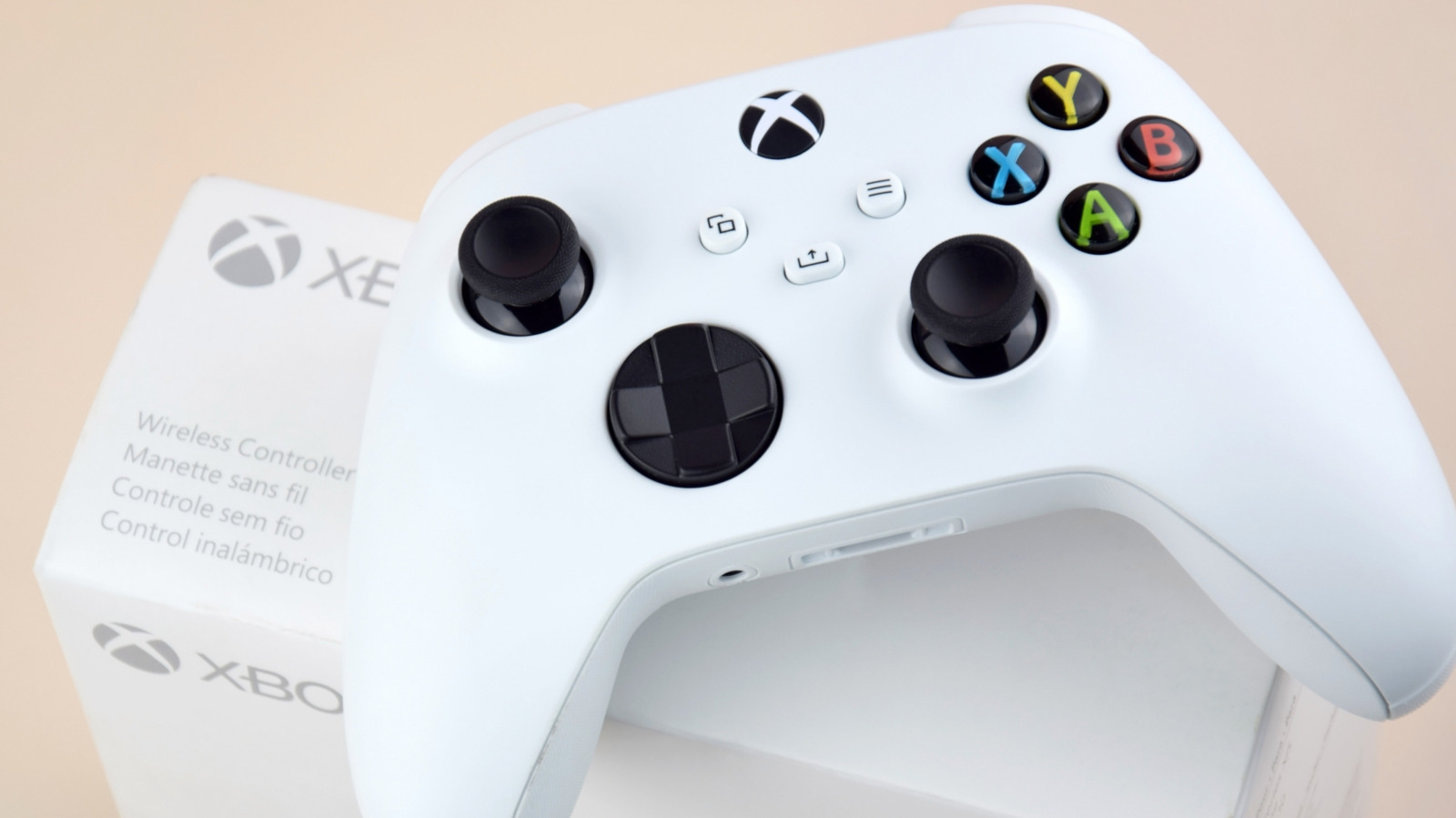
Wired controllers are convenient, but wired gamepads require less maintenance.
I'm an Xbox gamer who battles with dead batteries pretty often. I've stuck with a pair of rechargeable AAs for years, and while I could hook up my standard-issue Xbox controllers to my console via USB, I never do. There's a reason the Xbox (and most consoles of the last few decades) ships with wireless-by-default controllers: convenience.
Now, wired Xbox controllers do have some advantages. There aren't any batteries to worry about, and sync issues aren't a concern either. Next time you're looking to buy a gamepad, think through these pros and cons of wireless and wired Xbox controllers.
Competitive gamers want the fastest response times from a controller, so there's minimal delay between what they do and what happens on-screen. Connecting wirelessly introduces latency, so you'd think this area would be a slam dunk for wired controllers. Surprisingly, it isn't that clear-cut.
Polling Rate Test reports similar polling rates (how often the controller reports its state to the console or PC) for Microsoft's Xbox controllers when used over USB and through the Xbox Wireless Adapter. The latter is an accessory that uses the same proprietary connection protocol of Xbox consoles to connect the controller to a PC. Each polling rate is around 125Hz, which means maximum input delay of about eight milliseconds. In a game running at 60fps, that's roughly half a frame of delay, which is not perceptible to most people.
This isn't a measurement of the entire delay between pressing a button and seeing something happen, though. On the Xbox Series X and Series S, Microsoft uses Dynamic Latency Input to send your latest button presses just before the game needs them, helping it respond sooner.
It's different if you're connecting over Bluetooth (to a PC or phone/tablet). Polling Rate Test estimates you'll see an extra four to eight milliseconds of delay, but this will also depend on your setup (like how many other wireless devices are nearby). If your controller feels slow to respond, it's worth trying a wired connection. A cable won't get rid of input lag completely, but it can help if a wireless connection is unreliable in your situation.
Your display and the game you're playing also matter, as frame rates and game performance can cause a delay with what you're seeing on-screen.
Read Full Story at Engadget →