How to set up your Sonos speakers using the app
The app experience has improved over the last couple of years. Sonos makes some of the best smart speakers in the game, yet pairing the company's products with its app hasn't always been a hassle-fr…
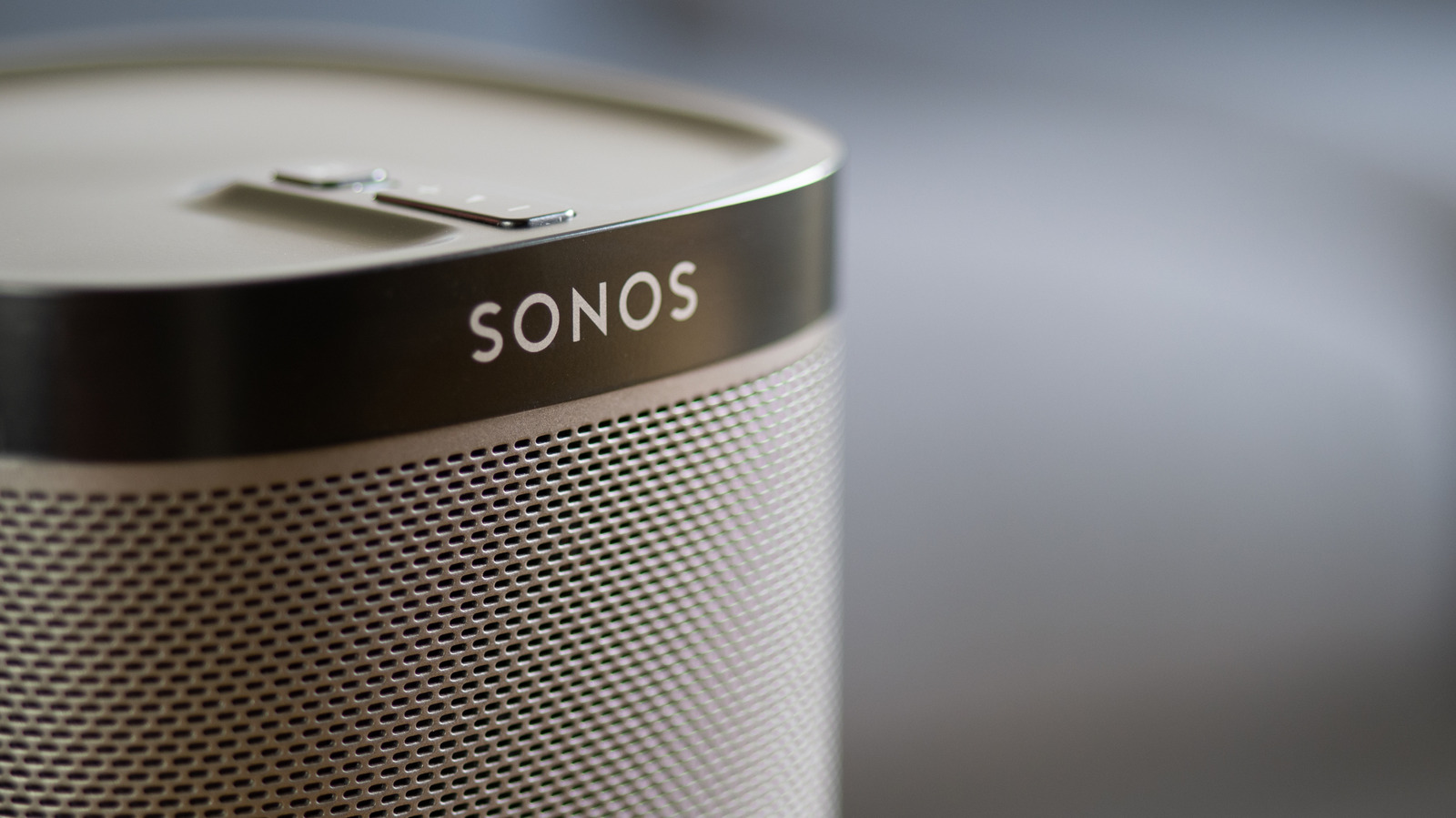
The app experience has improved over the last couple of years.
Sonos makes some of the best smart speakers in the game, yet pairing the company's products with its app hasn't always been a hassle-free process. Back in 2024, you'd have likely been asking, " Why is the Sonos app so broken ?" Thankfully, the sins of that notoriously buggy update have since been absolved, and the software is now in a decent place, making setting up a new speaker relatively straightforward.
Below, we'll guide you through how to set up your smart speaker with the official "S2" Sonos app. It doesn't matter if you're looking to connect an older product or one of the company's top-of-the-line Dolby Atmos-capable speakers, as the connection process differs little. Read on for setup tips, how to resolve pairing problems and advice for making your speakers sound better through EQ tweaks and other in-app features.
If you're setting up your Sonos speaker for the very first time, you're going to need the Sonos app for your smartphone or tablet. Said software is available on both the App Store and Google Play . Once that's downloaded, create a Sonos account and make sure your speaker and the app are connected to the same network. From here, the process of setting up your smart speaker shouldn't be too daunting.
Whether you're hooking up an old-school Sonos One speaker or are lucky enough to own a high-end Sonos Era 300 , the setup process is broadly the same. After you've hooked up your speaker, open the app and select Start a new Sonos system , press Add your speaker, and the app should quickly find your Sonos hardware before guiding you through connecting it to your Wi-Fi network (so have your router's password to hand). You can then assign your speaker to a new room (at the time of writing, Sonos has 22 different preset names, ranging from "bathroom" all the way through to "TV room" — though you can also set a custom moniker).
After you've set up your first Sonos speaker, additional ones are even easier to get going. Just hop over to Settings > Add Speaker or Component to easily pair multiple speakers. It's worth noting, though, that if you're looking to put together a full-blown Sonos surround sound system, your surround speakers will likely have to be the same model (so a pair of Sonos Era 100s rather than mixing an Era 100 with an Era 300, for example). Additionally, you can pair your speaker(s) with services like Amazon Alexa by scrolling down to Add a Voice Assistant from the settings menu.
Having trouble getting your Sonos speakers to play nice with the app on your smartphone/tablet? It's most likely a network issue. Ensure your speaker and the Sonos app are on the same Wi-Fi network (connecting one to a guest network will mess with communications between devices). Another problem that can stop speaker pairing is if you've recently changed the password on your router.
VPNs can cause connection issues between your speaker and the app too, so try briefly disabling yours if you're suffering from setup woes. Regular software updates through the app are also recommended to prevent future connection problems. And for Apple users, make sure you've granted the Sonos app permission on either your iPad or iPhone, so that it can find devices on your network.
Read Full Story at Engadget →