Engadget guides hobbyists to build retro arcade cabinet with Raspberry Pi 5
Engadget's guide details how to build a retro arcade cabinet, emphasizing the Raspberry Pi 5 for its affordability and compatibility with classic games. It outlines essential hardware choices, contro…
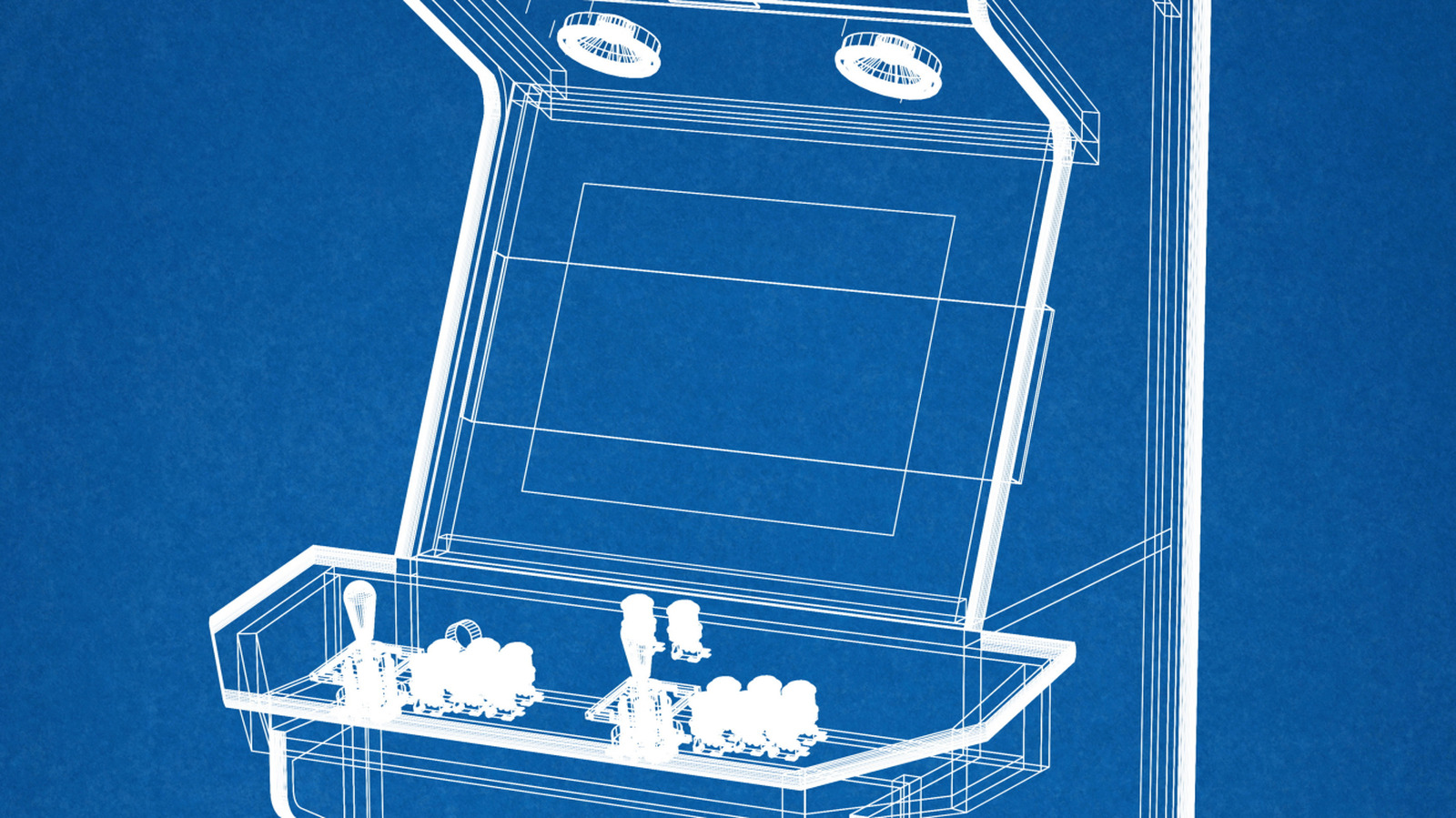
Engadget released a new guide that walks hobbyists through building a retro arcade cabinet, from choosing the right hardware to assembling the final frame. The article focuses on the Raspberry Pi 5 as a popular core, but it also covers alternative options such as old desktop PCs and pre‑made flat‑pack cabinets. The guide is aimed at readers who want to create a functional, nostalgic machine that can run classic titles like Pac‑Man and Galaga.
The first step in the build is deciding which games you want to play, because that choice drives the control panel design. Simple shooters need only a joystick and a handful of buttons, while fighting games may require six action buttons per player and even a spinner or trackball. The guide recommends drawing the layout on cardboard before cutting any wood, a cheap way to spot mistakes and adjust ergonomics. This mock‑up process is used in a popular Raspberry Pi cabinet that was posted on Maker Forums, and it helps keep costs low and the project on schedule.
Once the controls are set, the guide moves on to the cabinet itself. You can craft a cabinet from plywood or MDF, buy a flat‑pack unit, or repurpose an old arcade cabinet. The electronics list is straightforward: a display, joysticks and buttons, a USB encoder to translate button presses, a small computer, storage, speakers and power supply. For the computer, the 2‑GB Raspberry Pi 5 costs about $65 and runs Recalbox 10.0.8, which works as well as the 4‑GB model. If you need more power, an old desktop or mini PC can run Batocera, which supports modern Intel integrated graphics and delivers smooth emulation for newer systems. The guide explains that EmulationStation is only a front‑end menu, while Recalbox and Batocera bundle that menu with emulators and tools. RetroPie remains popular, but its current image list does not yet include a Raspberry Pi 5 build.
The article finishes with practical tips for cooling and audio. The Pi 5 can run hot under sustained load, so a heat sink or fan is recommended even though the official documentation says it is optional. The new board also drops the 3.5‑mm audio jack, meaning you’ll need a USB audio adapter or a separate sound card. After you assemble the cabinet, install the chosen OS, test the controls, and calibrate the screen, you’ll have a fully functional retro arcade machine ready for your living room or gaming den.
Read Full Story at Engadget →