Google adds local Wi-Fi file transfer to ChromeOS
Google embedded Quick Access into ChromeOS and Android, enabling direct local Wi-Fi file transfers without cloud storage. This eliminates data costs and privacy risks associated with traditional clou…
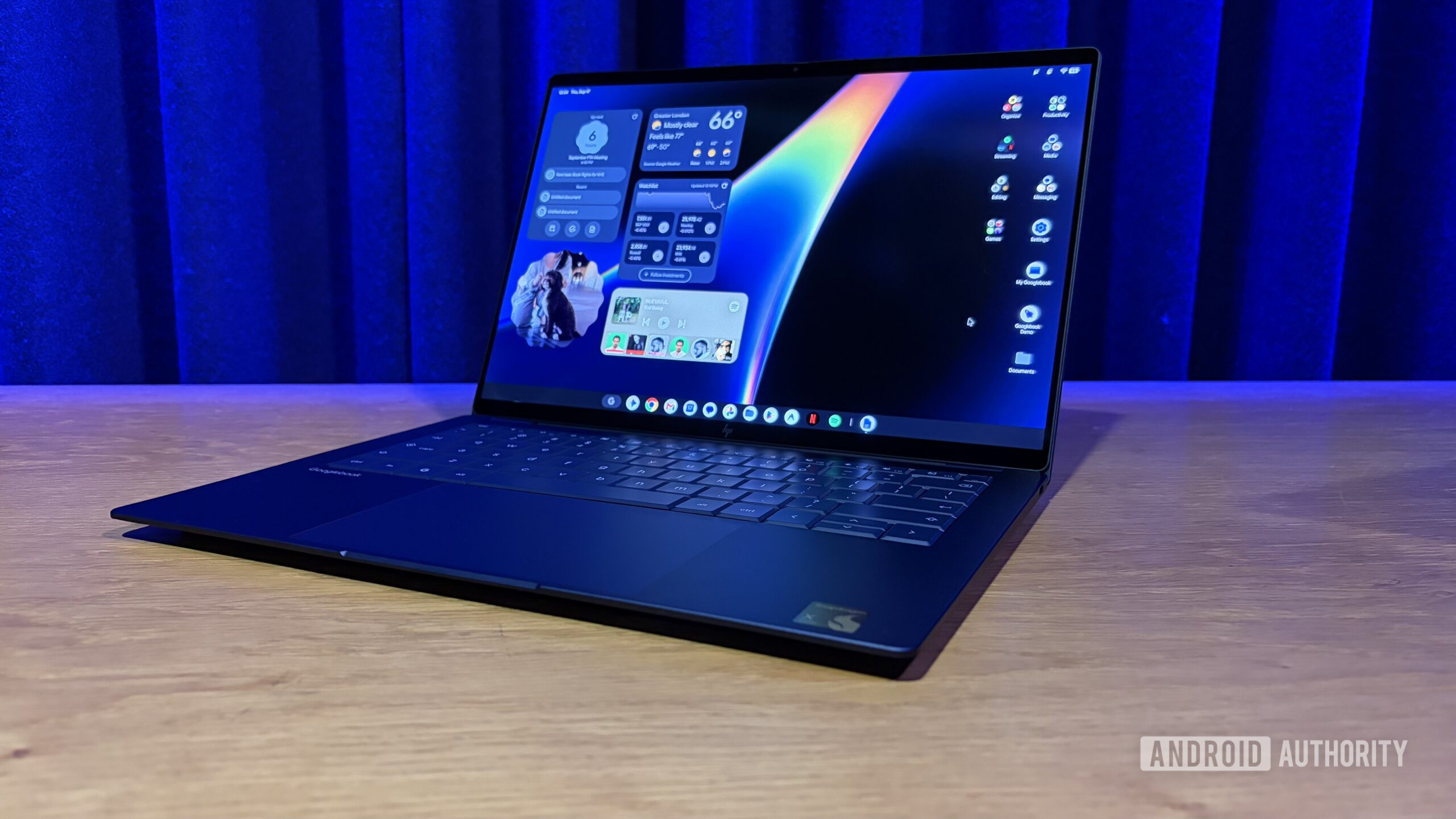
Google has integrated a new file transfer feature into its Chromebooks that eliminates the need for third-party apps or cloud storage to move files between a laptop and an Android phone. This capability, known as Quick Access, allows users to drag and drop files directly from their phone’s storage to the Chromebook’s file system, or vice versa, with a single click. The feature is built directly into the operating system, meaning no additional software installation is required. It works over a local Wi-Fi connection, ensuring that data transfers happen privately on the local network rather than being uploaded to remote servers. This marks a significant shift in how Google handles cross-device interoperability, moving away from relying exclusively on Google Drive for file sharing.
The introduction of Quick Access addresses a long-standing friction point for users who switch between Android smartphones and Chromebooks. Historically, transferring large files, such as high-resolution photos or video clips, required uploading them to the cloud and then downloading them on the other device. This process was slow, consumed mobile data, and raised privacy concerns for sensitive documents. By enabling a direct peer-to-peer connection, Google solves these issues simultaneously. The feature leverages the existing Wi-Fi infrastructure in the home or office, making the transfer speed comparable to a USB cable for most common file sizes. This development is part of a broader industry trend where operating systems are becoming more integrated, reducing the reliance on cloud intermediaries for simple tasks. It reflects Google’s strategy to make its ecosystem more cohesive, encouraging users to stick with Android and ChromeOS devices by making the handoff between them seamless.
The technical implementation relies on the Quick Access app, which is pre-installed on recent versions of ChromeOS and Android. When a user initiates a transfer, the devices discover each other on the local network and establish a secure connection. The process is automatic once the initial setup is complete, requiring only a pairing step on the first use. For power users, this feature reduces workflow interruptions. For casual users, it simplifies the experience of sharing vacation photos or work documents without navigating complex file managers or waiting for cloud syncs. The feature also highlights the increasing maturity of ChromeOS, which has evolved from a lightweight web-based OS to a full-fledged operating system capable of handling local file management with the same ease as Windows or macOS.
Looking ahead, this integration sets a precedent for deeper cross-device features within the Google ecosystem. It is likely that future updates will expand Quick Access to include other functionalities, such as direct screen mirroring or clipboard sharing across devices without cloud dependency. This move also puts pressure on competitors like Apple, whose AirDrop feature has long been the gold standard for local file sharing on iOS and macOS. By bringing similar functionality to its Android and Chromebook platforms, Google is leveling the playing field. Users should ensure their devices are running the latest software updates to access Quick Access. The feature is currently available on supported models, and its success may drive further innovations in local networking protocols within the Android ecosystem. This shift signals a future where local data handling is prioritized for speed and privacy, reducing the environmental and bandwidth costs associated with constant cloud syncing.
Read Full Story at Android Authority →