The Apple Watch heart rate feature you probably didn't realize existed
It can do more than track your heart rate during workouts The Apple Watch has such an extensive collection of features that it's easy for some to get lost in the shuffle, including one that can help…
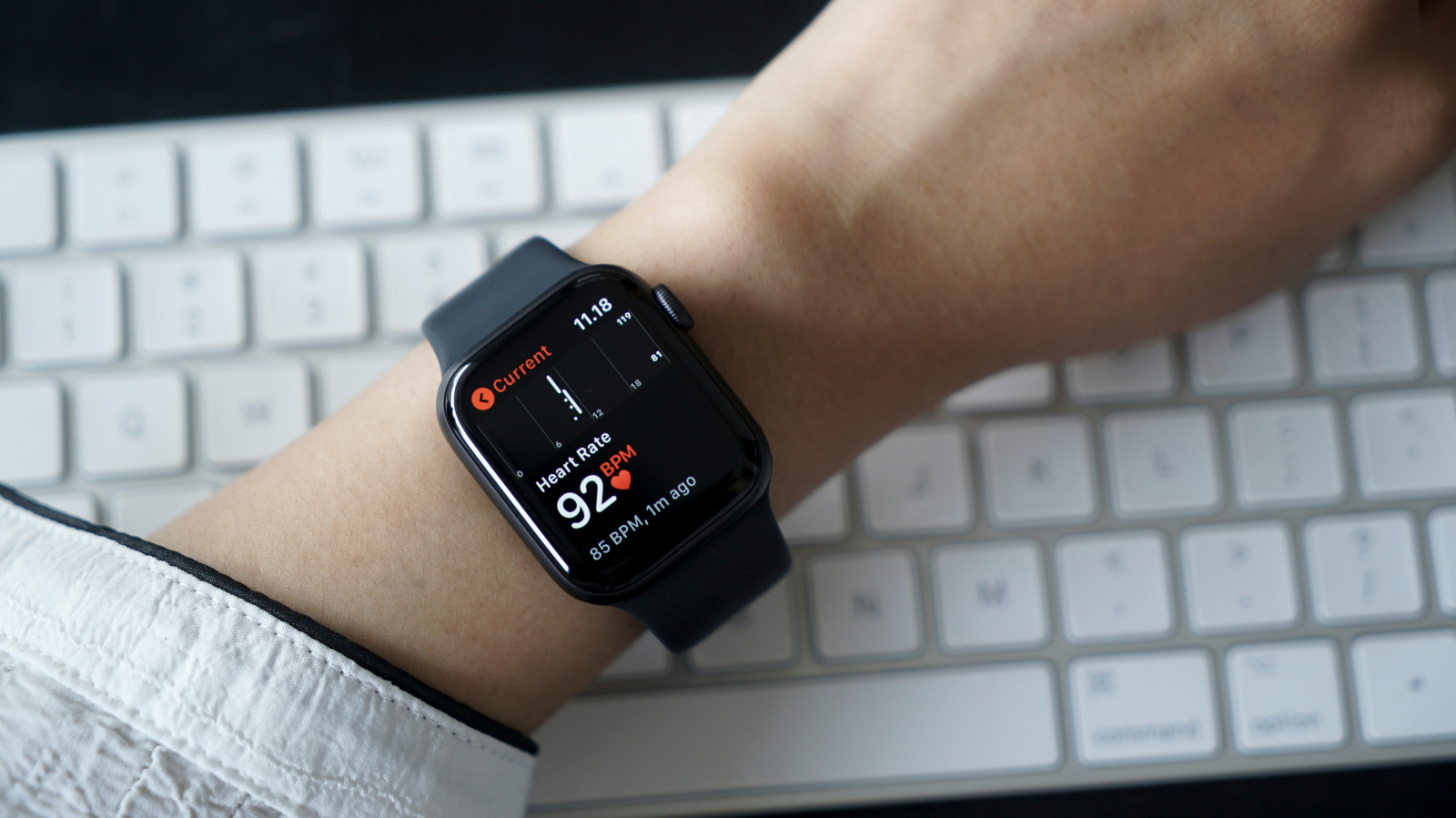
The Apple Watch has such an extensive collection of features that it's easy for some to get lost in the shuffle, including one that can help you more closely monitor your heart health: a dedicated ECG app. Short for electrocardiogram, the feature allows for more in-depth analysis on your ticker than the baseline BPM monitor included in the device. Most modern Apple Watches have this feature, and it's never a bad idea to take some readings from time to time.
The frequency at which your Apple Watch logs your heart rate varies based on your activity. During a workout, it does so constantly, but otherwise the only official detail given by Apple is that the time between these measurements "will vary" based on your activity unless you check it manually through the Heart Rate app. These measurements on their own can only tell you when your heart rate is too fast or slow; an ECG, on the other hand, measures the electrical signals from your heart, tracing each stage of each beat as it moves through the organ and painting a much more detailed picture.
While an ECG does give a deeper look at how your heart is doing, it's important to note that this feature is not designed to detect heart attack symptoms, and shouldn't be used in place of medical attention if you think something is wrong.
The ECG app is available on all Apple Watches Series 4 or later (excluding SE models) and all Ultra models. To use the ECG app, you'll need to make sure you're updated to both the most recent version of watchOS and iOS. Though most countries allow the usage of the ECG feature, there are a handful that do not, particularly in Eastern Europe, Africa, Central and South America and the Middle East. If you're not sure if the feature is available in your country, you can check the official list from Apple .
To easily find the ECG section, you can use the Search function and search "ECG"
Hold your finger on the Apple Watch Digital Crown , but don't press down
Some results will vary slightly based on whether you have the first or second version of the ECG app; which version you have will depend on regional regulations. You can check which app you have from within the Apple Health app or from your Apple Watch via the following steps:
Scroll to the bottom and select About , and the version will be displayed
Read Full Story at Engadget →