One UI 9 Beta 6 finally lets you disable accidental AI Select triggers
Samsung is addressing one of the more frustrating gesture conflicts introduced on its recent flagships. In the latest One UI 9 Beta 6 update for the Galaxy S26 series , Samsung has added a dedicated …
Affiliate links on Android Authority may earn us a commission. Learn more.
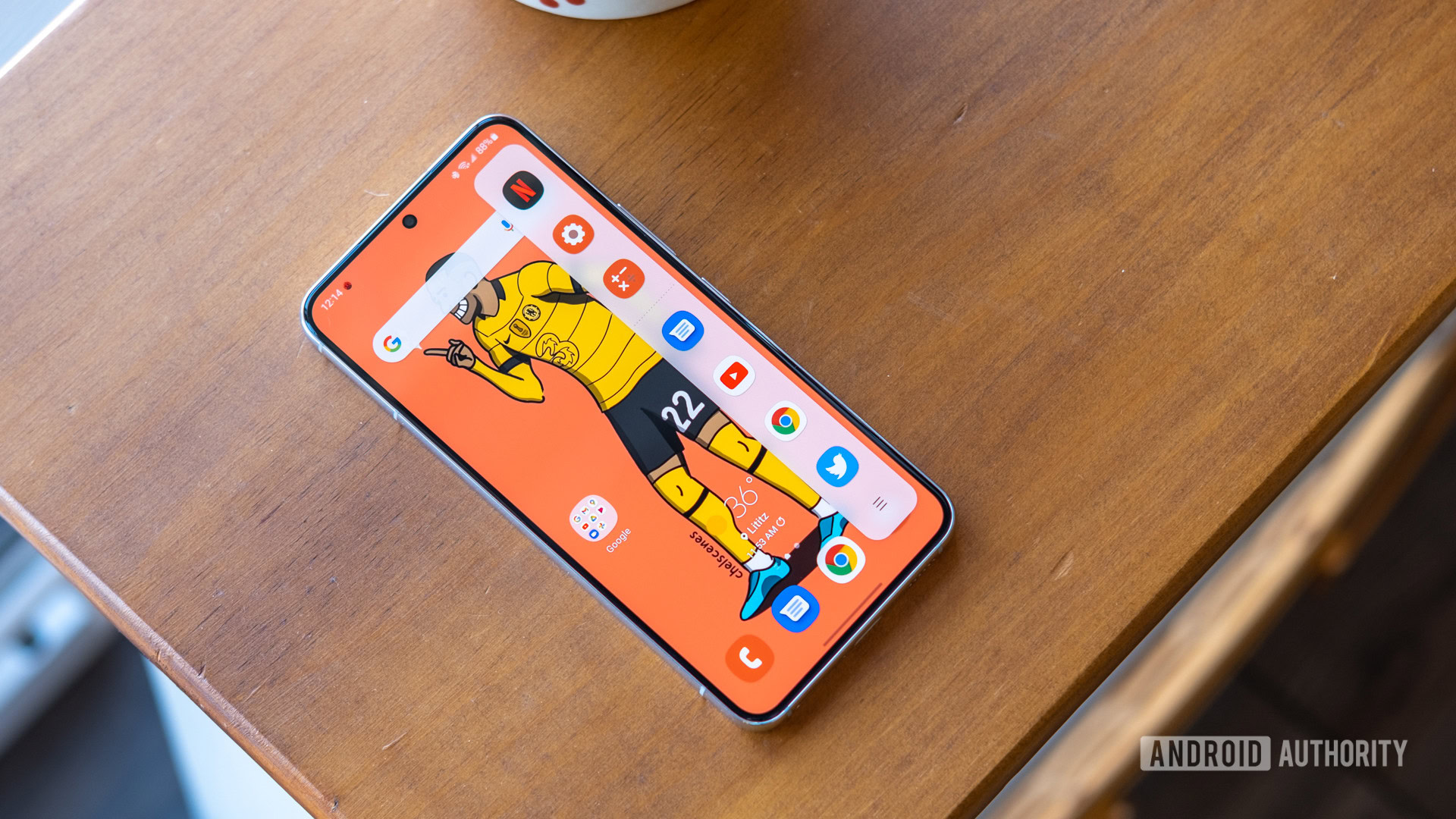
Samsung is addressing one of the more frustrating gesture conflicts introduced on its recent flagships. In the latest One UI 9 Beta 6 update for the Galaxy S26 series , Samsung has added a dedicated toggle to turn off the AI Select long-hold on the Edge Panel handle.
You’re reading an Authority Insights story. Authority Insights brings you all the latest exclusive reports, app teardowns, leaks, and in-depth tech coverage from the Android Authority team that you won’t find anywhere else.
Ever since Samsung tied the long-press action of the Edge Panel handle directly to AI Select, users have voiced irritation across Samsung Community forums over frequent accidental triggers . If you lingered slightly too long while trying to swipe out your Edge Panel, the device would freeze the screen and invoke the selection overlay. Up to this point, there was no way to disable the long-press gesture without disabling Edge Panels entirely.
With One UI 9 Beta 6, there’s a new “Touch and hold for AI select” toggle within Settings > Display > Edge panels . With the option enabled, you get the existing behavior, where long-pressing the Edge Panel peek window triggers AI Select. With the option disabled, long-pressing the Edge Panel peek window does nothing, helping you avoid accidental AI Select triggers.
You can continue to set AI Select as a dedicated shortcut icon within the Edge Panel, so you aren’t giving up the feature entirely, either.
For context, AI Select is Samsung’s Galaxy AI revamp of its legacy Smart Select tool. It has plenty of feature overlap with Google’s Circle to Search, as it allows users to marquee-select any portion of the screen to extract editable text via Writing Assist, create animated GIFs from playing video, or push cropped images directly into Generative Edit and Drawing Assist. Some users appreciate the AI Select functionality, but we bet many more will appreciate the toggle.
Thank you for being part of our community. Read our Comment Policy before posting.
Read Full Story at Android Authority →


