One of Google Keep’s biggest note-taking annoyances could soon be fixed
If you’re an avid Google Keep user, you probably know that the app, though useful, has some obvious missing features. Well, Google is finally starting to fix some of these glaring omissions. Earlier …
Affiliate links on Android Authority may earn us a commission. Learn more.
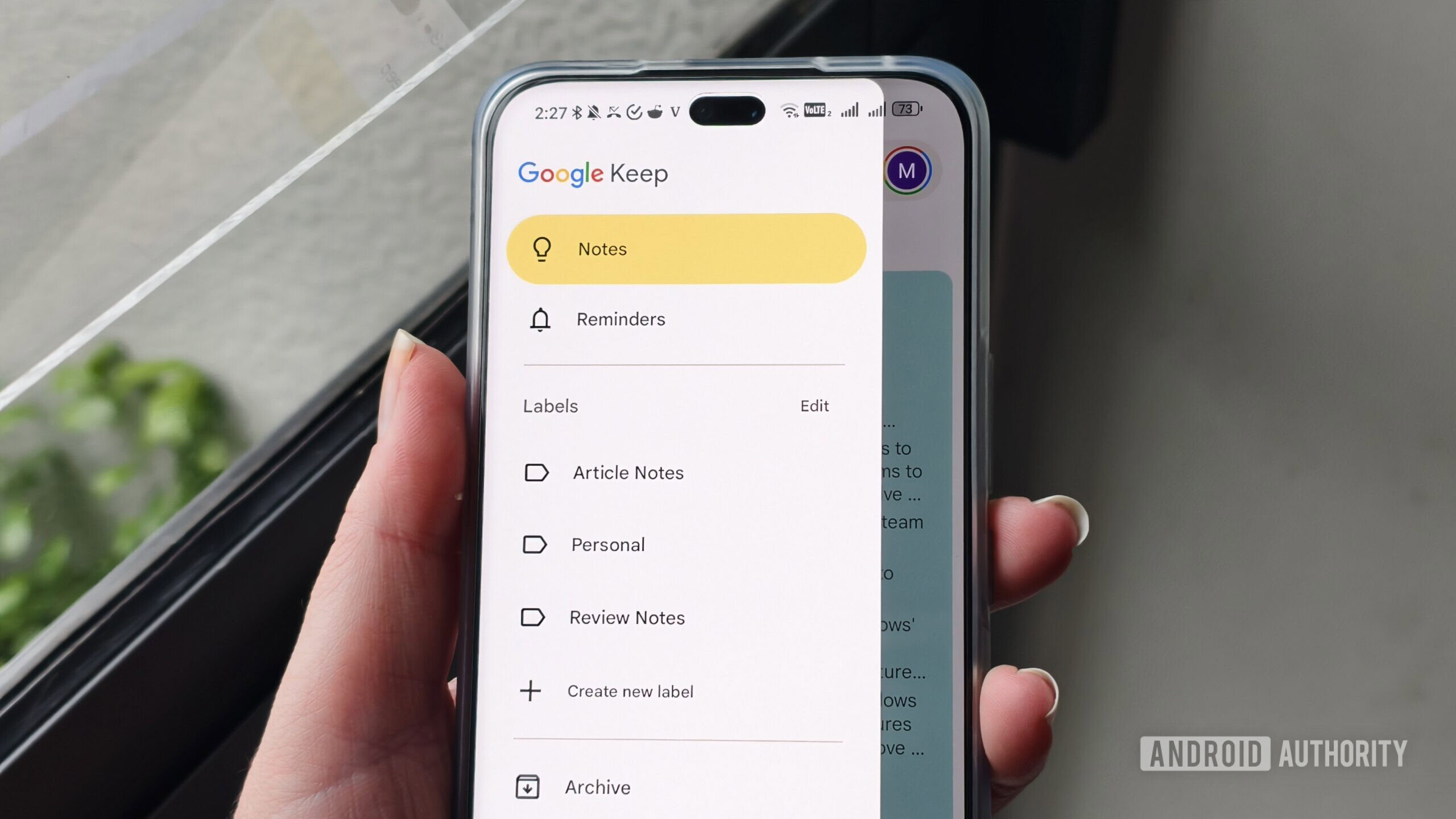
If you’re an avid Google Keep user, you probably know that the app, though useful, has some obvious missing features. Well, Google is finally starting to fix some of these glaring omissions. Earlier this month, the company started rolling out the “ Find in note ” feature in Google Keep, and now we’ve spotted it working on yet another much-needed improvement.
You’re reading an Authority Insights story. Authority Insights brings you all the latest exclusive reports, app teardowns, leaks, and in-depth tech coverage from the Android Authority team that you won’t find anywhere else.
While taking a look at the latest version of the Google Keep app (v5.26.341.03.90), we managed to enable a new feature that lets users create to-do lists within regular notes. This is one of those quality-of-life improvements that can make Keep a much better app for regular users.
Last month, we reported that the toolbar in Google Keep is being redesigned, with the checkbox icon taking the place of the background color icon. With the new feature we spotted today, users will be able to use the checkbox icon to create a to-do list within a regular note, or write normal text below an existing to-do list.
Another change we spotted is in the behavior of the checkbox icon. Currently, if a user taps on the checkbox icon inside a regular note, Keep turns the entire note into a to-do list and converts each individual line into a separate checkbox. With the upcoming feature, when a user taps on the checkbox icon in a regular note, it won’t convert the entire note into a to-do list. Instead, the app will only switch the currently active line to a to-do list item. Users will also be able to use the same checkbox icon to convert the to-do list back into regular text.
If you’ve ever found yourself in a situation where you wanted to add a quick to-do list to a note you were writing in Google Keep, this new feature could be a godsend for you. It seems to be working properly already, which means Google could roll it out sooner rather than later.
Thank you for being part of our community. Read our Comment Policy before posting.
Read Full Story at Android Authority →