I use Samsung Reminder every day. These are my 10 favorite tips and tricks
While some people give Samsung a hard time for offering too many features, I really appreciate that a One UI device feels like something more than just a generic Android phone. There are quite a few …
Affiliate links on Android Authority may earn us a commission. Learn more.
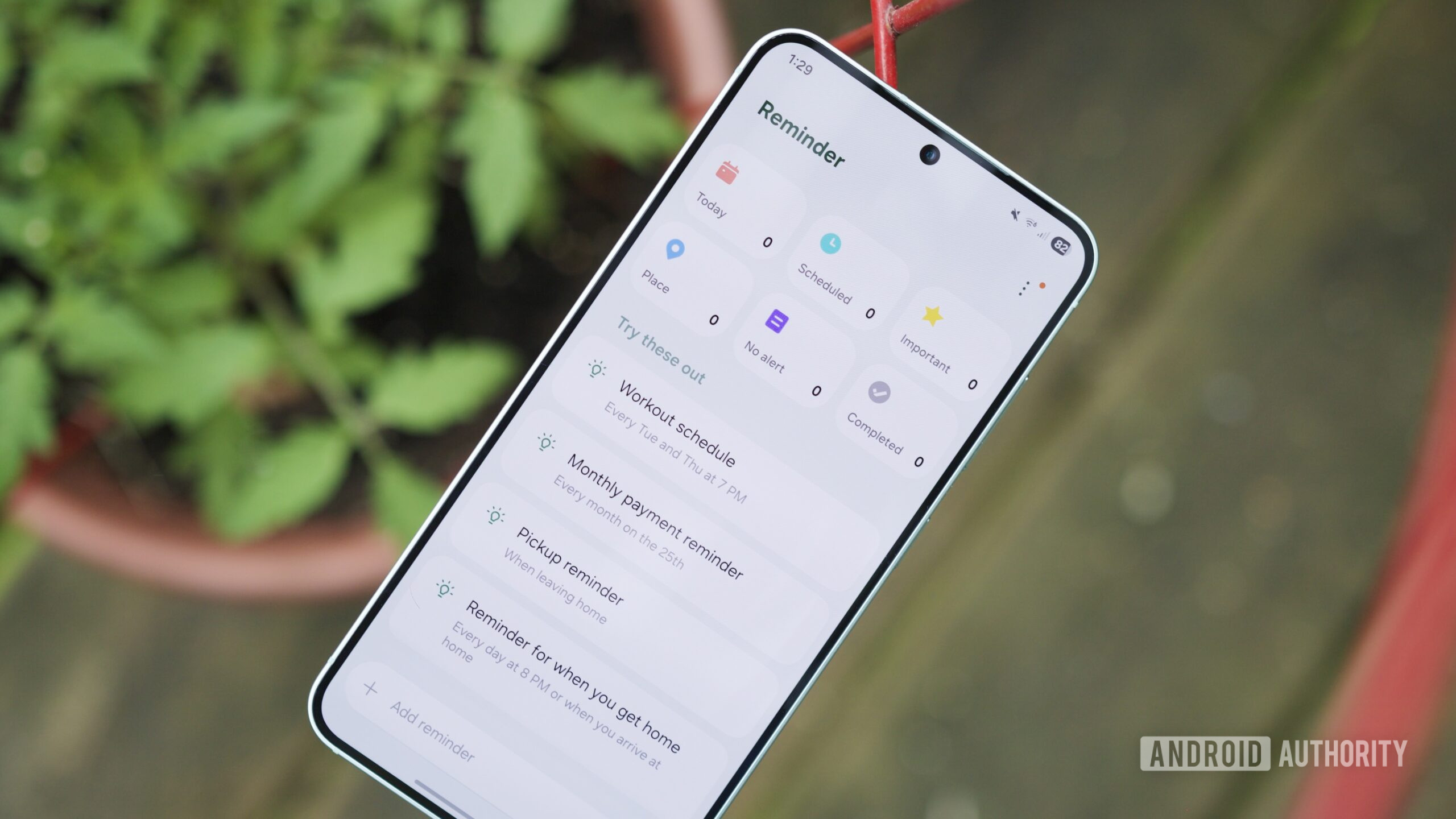
While some people give Samsung a hard time for offering too many features, I really appreciate that a One UI device feels like something more than just a generic Android phone. There are quite a few Samsung-specific apps I’ve come to rely on, and Samsung Reminder is certainly near the top of that list. While there are other reminder apps out there, Samsung has done a great job with its in-house app; I use it nearly every day.
I find Samsung Reminder makes it much easier for me to remember both important events and minor things like getting the milk next time I leave the house. If you really want to make the most of this tool, though, there are certainly some settings and little tricks that can make the experience even better.
If you’re a Samsung Reminder user, here are 10 tips you may not have known about — but really should.
As great as Samsung Reminder is for time-based alerts, don’t underestimate the location-based ones.
I like to organize my shopping lists by location, and sometimes I’ll even set recurring reminders. For example, when I pull into the shopping complex near my house, I might get a one-time list of things I know we need right now, plus a second alert for the things I should check on because they’re always running out, like batteries for all my family’s gizmos.
I even use location-based reminders when leaving the house in the morning to help with my routine. After dropping my kids off at school, I often have errands or bills to take care of. Having a list trigger on my car’s infotainment system helps me stay on track so I don’t space out the things that aren’t part of the usual routine.
To add a location, open the Reminder app, scroll to the text field, and type your reminder. After that, select the Location icon. That opens a new window where you can type in an address or search for a location. You can also set the radius sensitivity and choose whether the alert fires when you arrive at or leave the location.
Read Full Story at Android Authority →