How to sideload apps onto Android Auto
You can unlock video streaming on your dashboard, but should you? Android Auto was built to make your driving sessions simple and easy, but not everyone wants simple. If you've ever wished you could…
You can unlock video streaming on your dashboard, but should you?
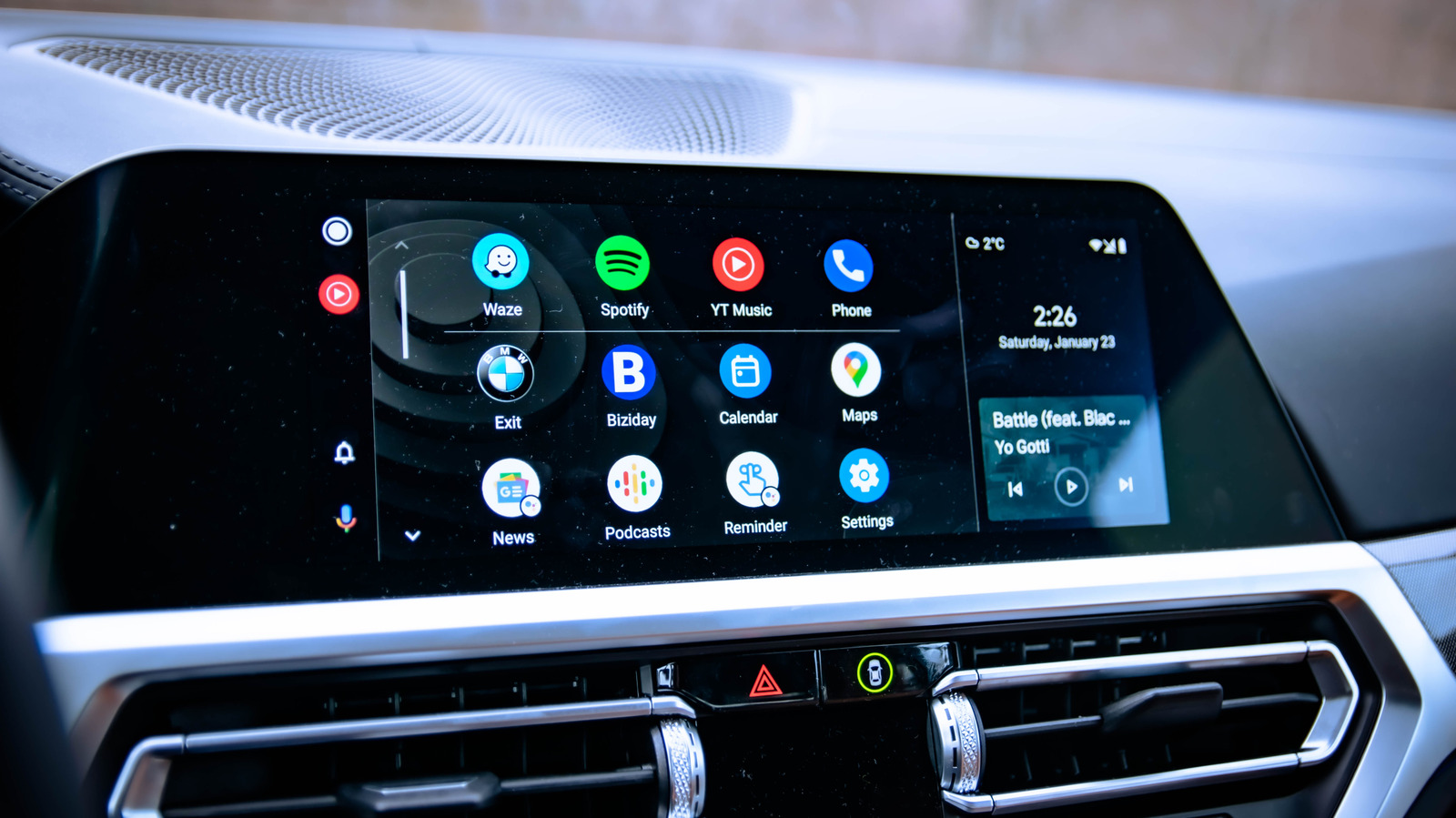
Android Auto was built to make your driving sessions simple and easy, but not everyone wants simple. If you've ever wished you could stream YouTube through your dashboard or mirror your phone's screen to your car display, you're not alone. Luckily, there's a way to do it. Sideloading lets you install apps that Google never approved for Android Auto, opening the door to features the platform doesn't officially support right now. The process doesn't require any crazy moves like rooting your phone, but it does come with trade-offs regarding security, reliability and safety.
By design, Google restricts what can run on your dashboard to cut down on driver distraction, which means no YouTube videos, no browser and no screen mirroring. It's a sensible policy, but one that leaves plenty of drivers feeling like their car's display is capable of a lot more than it's being allowed to do.
The whole process of sideloading apps on Android Auto is not that complicated, but you do need to go through a few steps to set things up.
First, you'll need to enable Developer Mode on your phone. You can do this by going to Settings > About and rapidly tapping Build number seven times. You'll get a note when Developer Mode is on. This will allow you to install third-party apps on your phone.
Now you have to turn on Developer Mode for Android Auto . Go to Settings > Connected Devices > Android Auto , scroll to the bottom of the page and tap Version and permission info about 10 times in quick succession. Next, you have to tap on the three-dot menu at the top, select Developer settings and check the box for Unknown sources . This will make it possible to load the apps from your phone into Android Auto.
You can also look up the open-source GitHub repositories for popular apps like CarStream , which allows YouTube playback, AAMirror , which lets your phone screen mirror to the dashboard, and Fermata Auto , a media app that handles video, IPTV and a web browser.
The convenience of being able to install all sorts of apps Google hasn't intended comes with some genuine drawbacks that you should take seriously.
Read Full Story at Engadget →