How to share your iPhone's location for just as long as you need
Find My's expanded location sharing options give you more flexibility. iOS 27 upgrades your iPhone with tons of improvements to Apple Intelligence , Siri, child safety, accessibility, Maps and more.…
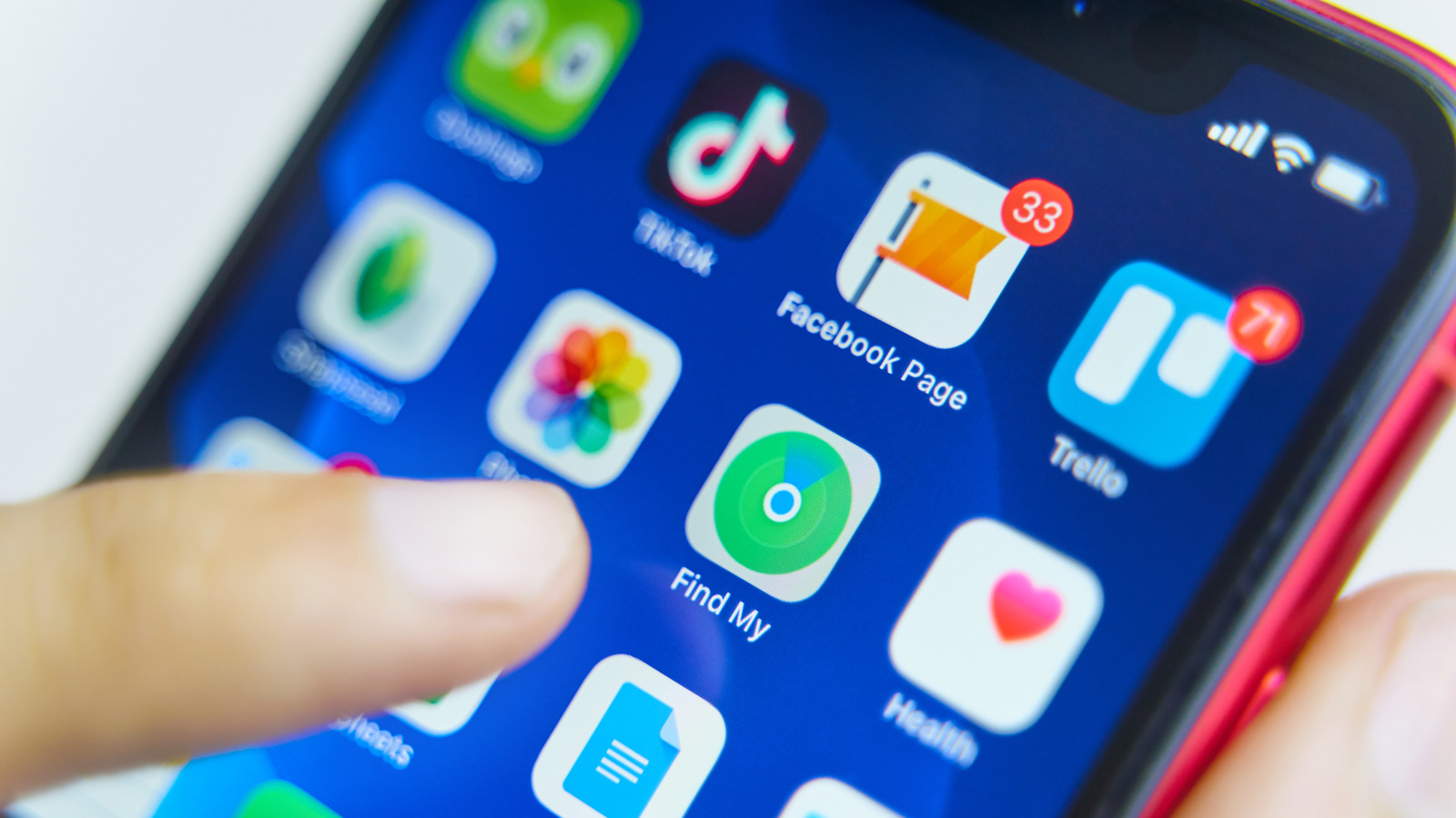
Find My's expanded location sharing options give you more flexibility.
iOS 27 upgrades your iPhone with tons of improvements to Apple Intelligence , Siri, child safety, accessibility, Maps and more. You'll also notice a few minor upgrades for the Find My app, including the option to share your location for a temporary period rather than all the time.
Say you're traveling with friends, but have made plans for everyone to do their own thing one afternoon. Fine-tuned location sharing lets you keep everyone updated on where you are without worrying about having to turn off the setting after your trip. Or perhaps you're going on a blind date and you'd feel better if your roommate could track your location for peace of mind.
This option has been available in iOS for some time, but it's even more customizable now. When an hour is too short but permanent sharing is too long, you have more options.
In iOS 26 and prior, you could choose to share your location with someone in Find My for an hour, a day or indefinitely. Now, there's the option to share for a few days (like the duration of a trip), only a few hours (like while you're at dinner and the babysitter is on shift), or even just for 15 minutes.
The options appear as For One Hour , For Today , Always or Custom . If you select Custom , you can use rolling dials to choose by days (from one up to 30), hours (1 to 23), or minutes (1 to 59). Or if you prefer, this panel also has the option to pick a specific end date and time so you don't have to calculate manually.
The minimum amount of time for sharing is 15 minutes. However, you can select any variation of those times, like 1.5 hours or even one day, three hours and five minutes if you want to be precise. This means you don't have to worry about resetting the sharing location every day for a week while on vacation — or conversely, forgetting to turn it off after you've set it to indefinite.
As soon as you share your location, the person can tap your name on their People list in Find My to see exactly where you are. Once the time elapses, they'll no longer be able to see your location.
Read Full Story at Engadget →