How to reboot your Samsung Galaxy tablet
For when you need to speed up or unfreeze your Samsung tablet. Rebooting a Samsung Galaxy tablet is one of the simplest ways to fix a wide range of issues that commonly pop up. Knowing the right met…
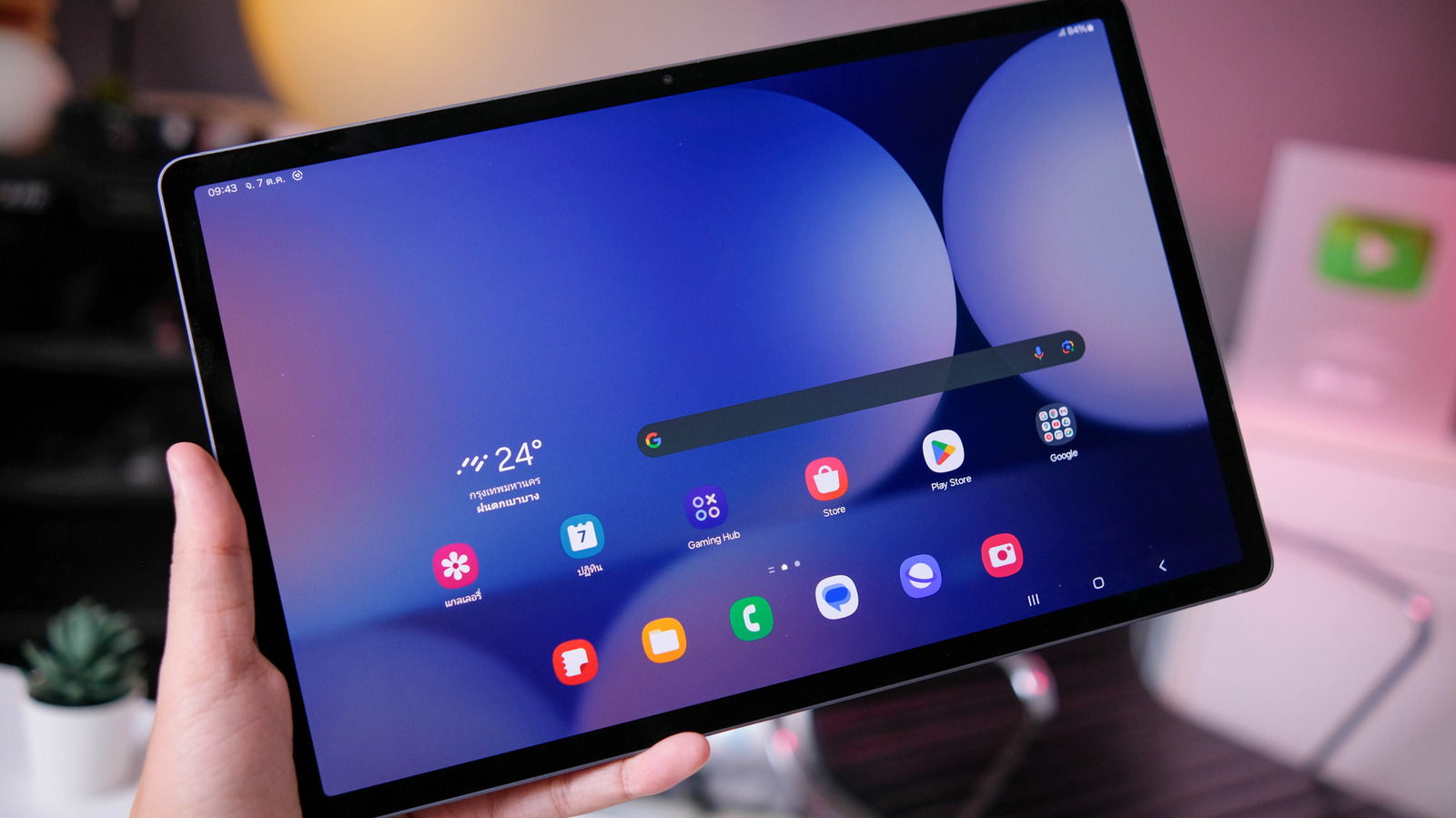
For when you need to speed up or unfreeze your Samsung tablet.
Rebooting a Samsung Galaxy tablet is one of the simplest ways to fix a wide range of issues that commonly pop up. Knowing the right method for your situation can save you a lot of frustration. Whether your tablet is running slowly, an app has stopped responding or the screen just froze on you, a restart is almost always the best first step you can take to fix the problem.
You may not even realize it, but there are three methods for rebooting your Samsung Galaxy tablet: a standard restart for everyday slowdowns, a force restart for completely frozen screens and a last-resort recovery process for those situations when nothing else works. Each method is straightforward, takes just a few minutes of your time and won't put your data at risk. We'll guide you through every step so you can handle the situation in the best way possible.
Sometimes, your tablet may be working just fine but has gotten a bit too slow for your liking. All devices could use a restart every now and then, and your Samsung Galaxy tablet is no different. A standard restart is the quickest fix for sluggish performance or minor app issues.
Press and hold down the Power button on the side and the Volume Down button at the same time.
When the power menu appears, tap Restart . Confirm your selection.
Your tablet powers off completely and will reboot automatically.
Swipe down on the screen to bring up the quick settings panel. Press the power button .
Read Full Story at Engadget →