How to find and hide an app on Android Auto
If they're vanishing from the launcher without warning, there's an easy way to bring them back. Android Auto is designed to make driving safer and more connected, offering easy access to essential t…
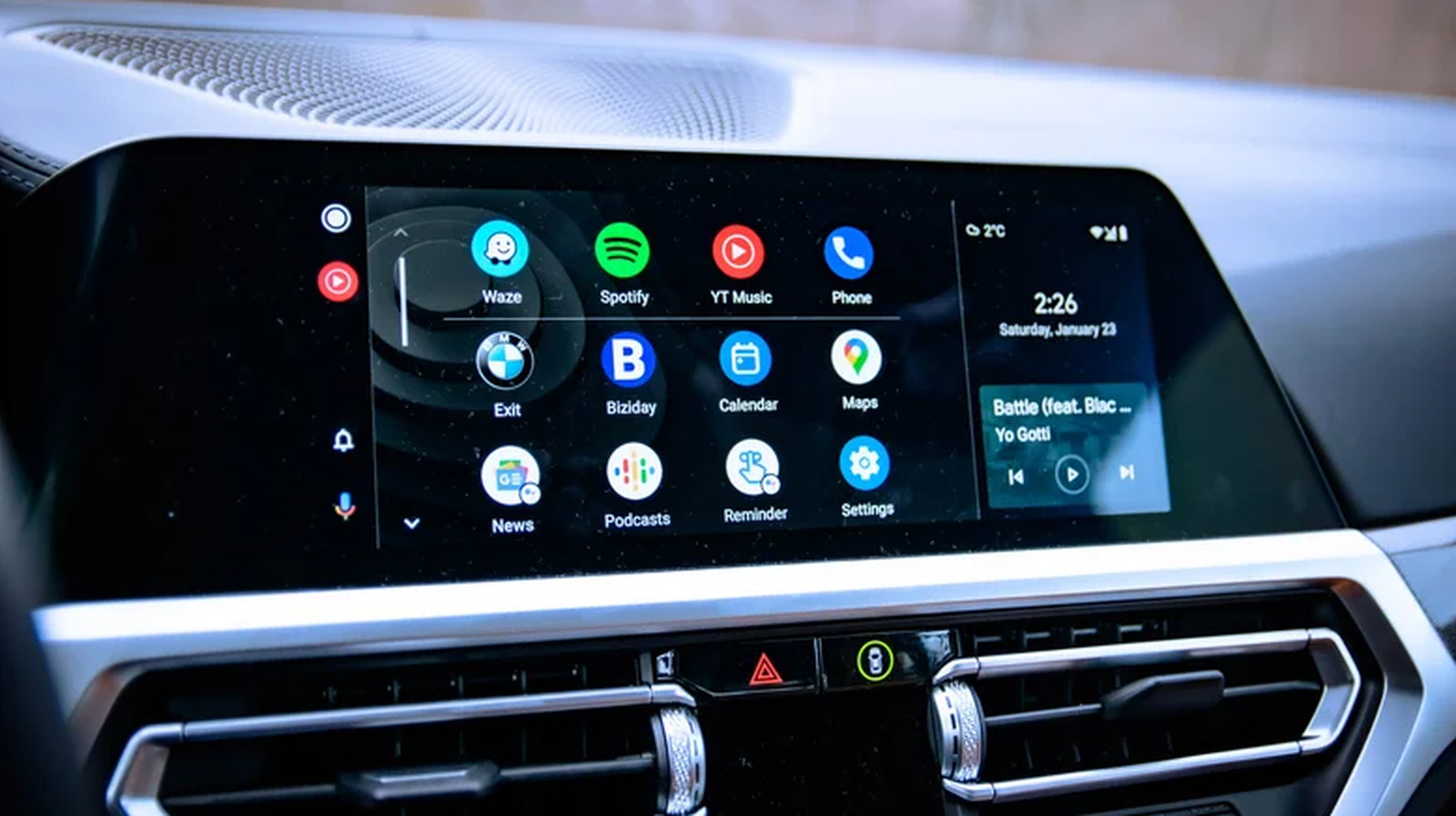
If they're vanishing from the launcher without warning, there's an easy way to bring them back.
Android Auto is designed to make driving safer and more connected, offering easy access to essential tools like navigation, music and messaging directly on your car's display. Some 250 million people use Android Auto, so it's become a reliable part of the daily commute for a large chunk of the world's population. The platform isn't without its quirks, of course, and one of the most common issues users encounter is apps vanishing from the launcher without warning.
Thankfully, such problems are quite easy to fix. In most cases, a missing app isn't gone for good. It's been quietly deactivated by your phone's battery optimization settings running in the background. Similarly, hiding an app from Android Auto doesn't require any work on your part, as you can simply remedy it via your device settings.
Whether you're trying to find an app that's gone missing or want to hide a few you don't actually use, there are only a few steps for you to follow.
Missing apps are one of the most common frustrations Android Auto users experience, but it's not always down to Android Auto itself. On Samsung phones, in particular, Android has a feature that automatically disables unused apps. This feature automatically disables apps you haven't opened recently to save battery life. The apps are still on your phone, but if they're disabled, they also get removed from Android Auto's app launcher until they're re-enabled.
So, if an app you previously used in Android Auto has disappeared, there's a good chance it's simply been deactivated by your phone.
Getting a hidden app back on your car's screen is quite straightforward. Here's what you have to do:
Look for the app on your phone and launch it . You might have to update it first, if one is available.
Read Full Story at Engadget →