Google’s Guided Vision turns Gemini Live into a real-world visual guide
Gemini Live became a lot more useful after Google rolled out video and screen-sharing capabilities last year. The update gave the AI access to your phone’s camera feed and screen, letting you ask the…
Affiliate links on Android Authority may earn us a commission. Learn more.
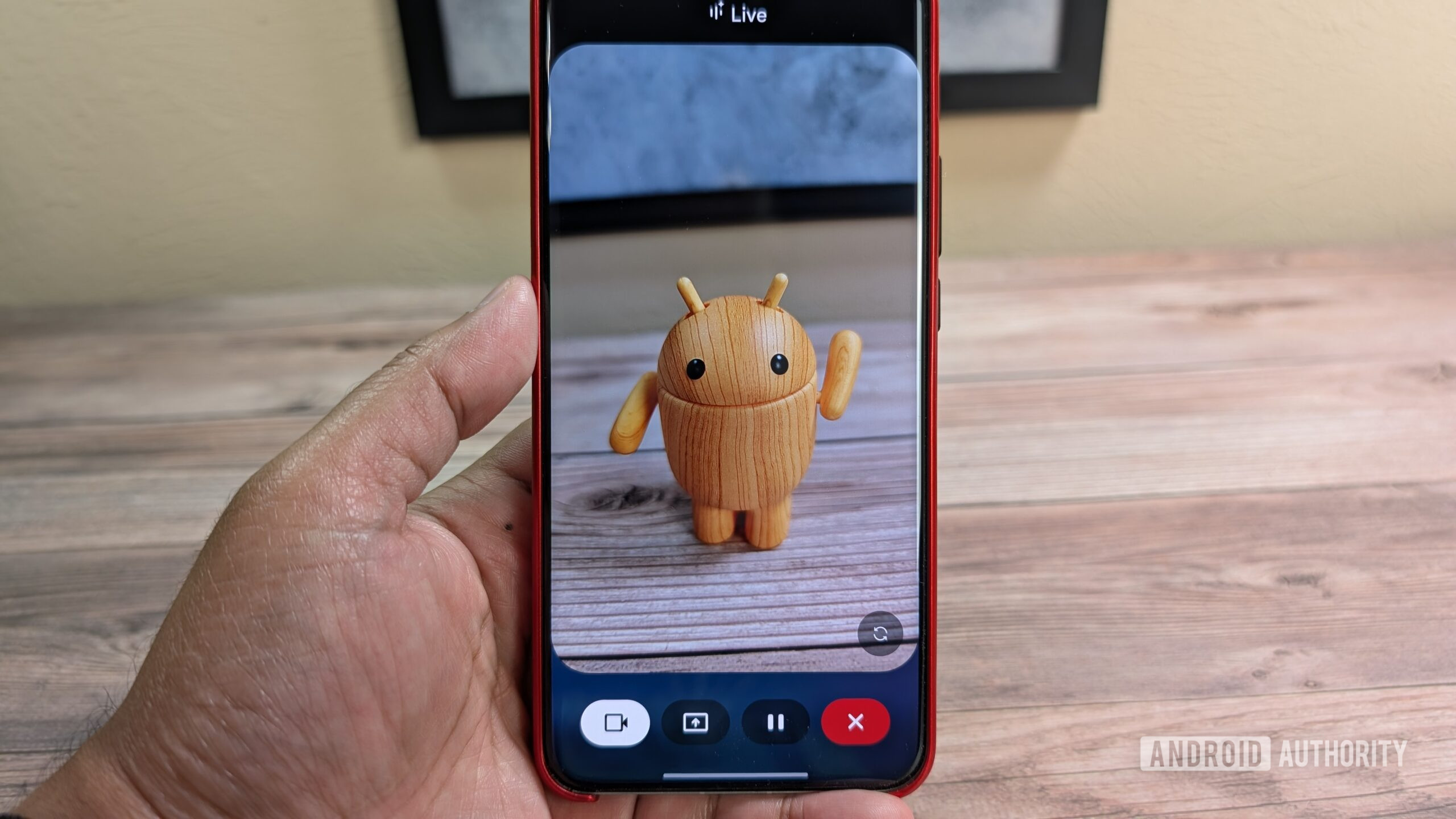
Gemini Live became a lot more useful after Google rolled out video and screen-sharing capabilities last year. The update gave the AI access to your phone’s camera feed and screen, letting you ask the chatbot questions about objects in the real world or whatever is on your screen. Get ready for Live to make another jump in usability, as Google is rolling out a new feature.
Today, Google is releasing the September Android Drop . Included in this rollout are updates like Google Keep in Messages and Find Hub remembered items. Along with those updates, the tech giant is also pushing out a new Gemini Live feature called Guided Vision. If you have followed our reporting, then you know Android Authority spotted this feature under development back in July.
With Guided Vision, Gemini Live will now provide descriptions of what’s in front of you. In an example, a user shares their camera with Gemini Live and points the camera at a rack of spices. The user asks the assistant to guide them to where the oregano is. Gemini Live then guides the user exactly to where the oregano is located.
The feature could prove to be useful in a number of scenarios in addition to helping you find household items. Say that you’re in a dimly lit restaurant, Guided Vision could help you order from the menu. You could also use it for something like reading the fine print on a food label.
To ensure you use the feature correctly, Google has implemented some guiderails. If your camera isn’t lined up in the right way, you’ll get voice feedback guiding you to reframe, pan across a space, or center an object. Once that’s done, you can start asking all of your questions.
According to Google, Guided Vision will be coming soon to phones running Android 9 and above in countries where Gemini is available. Once it arrives, you’ll be able to add Guided Vision to your Accessibility shortcuts. We got a glimpse at the Accessibility shortcut in the middle of August. You’ll also be able to launch it directly from the TalkBack menu.
Thank you for being part of our community. Read our Comment Policy before posting.
Read Full Story at Android Authority →