Google could soon put Spark front and center in the Gemini app
Google really wants you to use Gemini Spark on mobile. That much is evident from the sheer amount of tinkering and tweaking the company is doing on the Gemini app just to make Spark more easily acces…
Affiliate links on Android Authority may earn us a commission. Learn more.
Google really wants you to use Gemini Spark on mobile. That much is evident from the sheer amount of tinkering and tweaking the company is doing on the Gemini app just to make Spark more easily accessible. Last month, we spotted Google working on a new “ Assign Task ” option in Gemini, and now, we’ve seen the company trying yet another approach.
You’re reading an Authority Insights story. Authority Insights brings you all the latest exclusive reports, app teardowns, leaks, and in-depth tech coverage from the Android Authority team that you won’t find anywhere else.
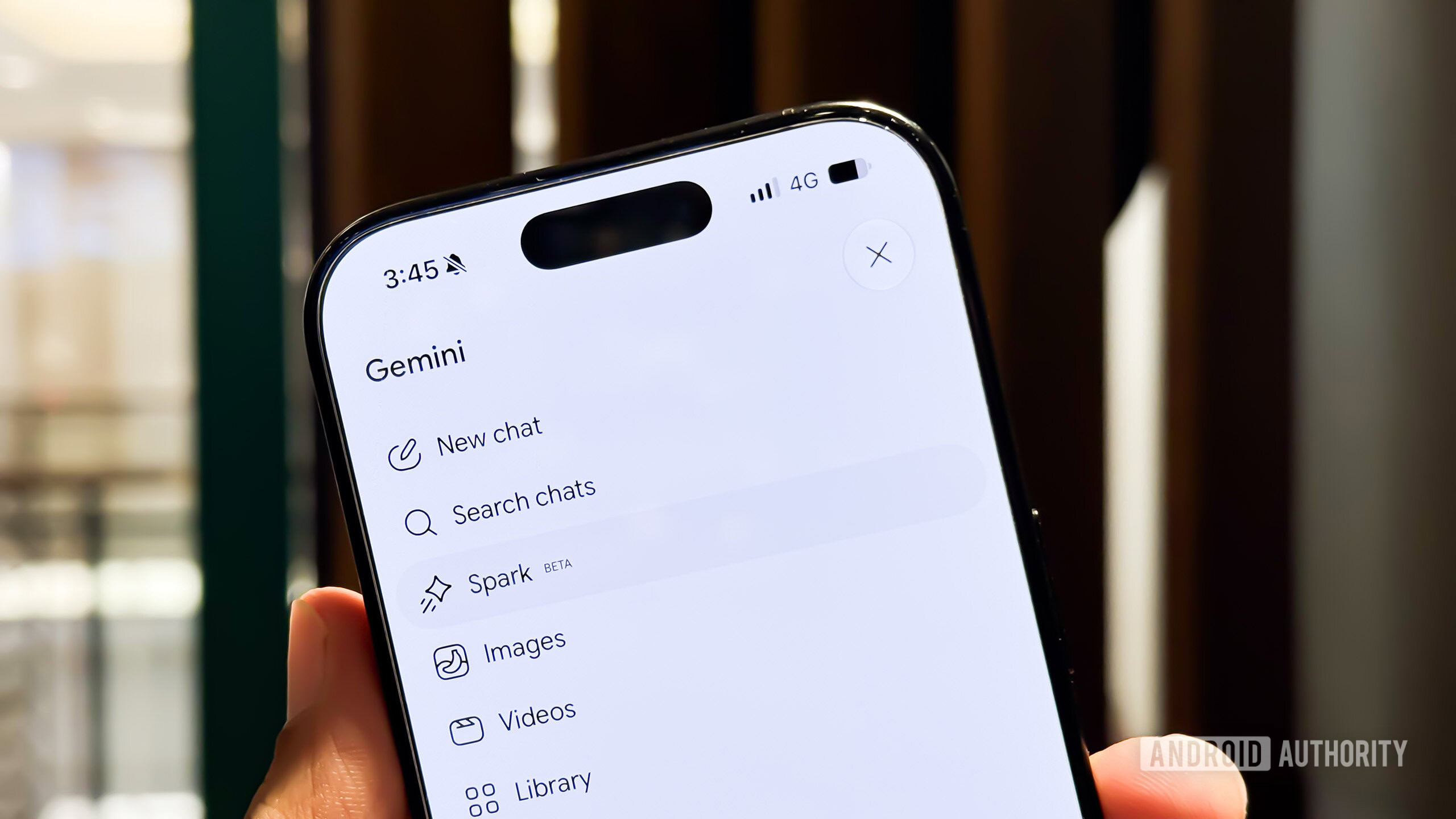
While taking a look under the hood of the latest version of the Google app (v17.54.10), we found Google working on a new way to let users quickly access Spark on mobile. Currently, if you want to access Spark on mobile, you have to open the sidebar and tap on Spark.
With the new feature, you will see two new buttons on the Gemini home screen: “Chat” and “Assign.” While “Chat” is selected, you’ll be able to talk to Gemini the way you’ve always done. Switching to “Assign,” however, will send your messages to Gemini Spark instead. This could save a lot of time, especially for those who use Gemini and Gemini Spark extensively and find switching between the two time-consuming.
It’s worth noting that though the feature seems to be working as expected already, there’s no telling when or if Google will actually roll it out. The previously spotted “Assign Task” feature hasn’t shown up for users either, which suggests Google might be taking its time to figure out the best way to make it easier for users to access Spark on mobile. For what it’s worth, this new “Chat” and “Assign” feature looks better to me than the “Assign Task” option.
Thank you for being part of our community. Read our Comment Policy before posting.
Read Full Story at Android Authority →