Gemini could take a page from ChatGPT’s book for this design update
The Google Gemini app’s overall UI has changed a fair bit over the past couple of years, and all signs point to more changes coming up. We recently spotted design tweaks to the Gemini Live interface …
Affiliate links on Android Authority may earn us a commission. Learn more.
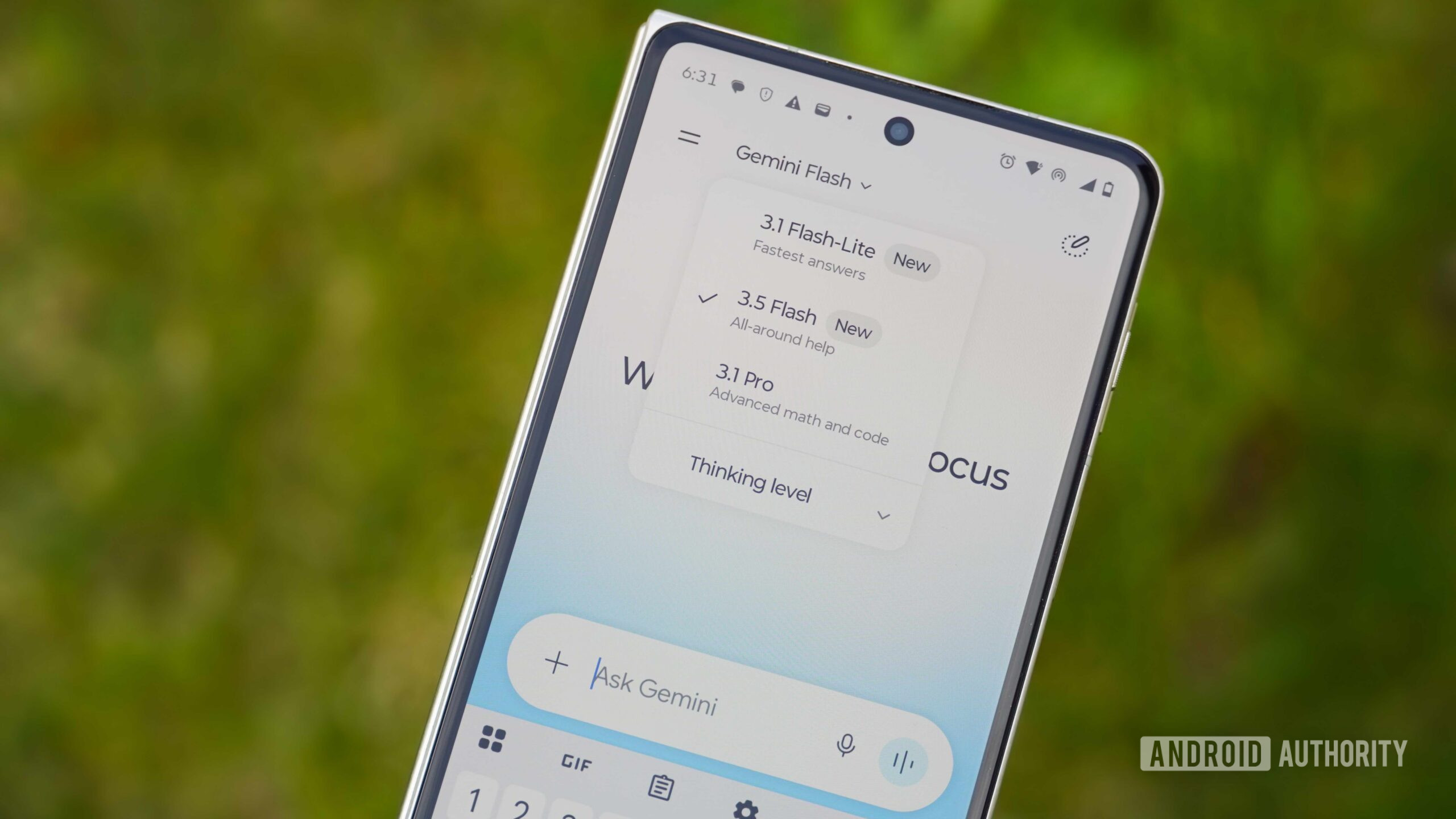
The Google Gemini app’s overall UI has changed a fair bit over the past couple of years, and all signs point to more changes coming up. We recently spotted design tweaks to the Gemini Live interface , and can now report on a possible refresh of the app’s camera UI, along with a significant overhaul of the ‘@’ menu.
You’re reading an Authority Insights story. Authority Insights brings you all the latest exclusive reports, app teardowns, leaks, and in-depth tech coverage from the Android Authority team that you won’t find anywhere else.
Looking into version 17.55.8 of the Google app, we’ve managed to activate a brand-new camera interface for Gemini that looks quite familiar. In its current form, accessing the camera interface via the ‘+’ attachment menu opens a full-screen viewfinder. However, we’ve found that Google is prepping an update that will have the viewfinder cover roughly half the screen, while the rest of the chat’s contents remain visible.
While this would typically be a decent user-centric visual overhaul, it’s hard to ignore the similarities with the ChatGPT app’s camera interface. Google’s implementation appears to float over the chat, while the ChatGPT camera UI is visibly larger and touches the bottom of the screen. There’s also a handle at the top of this under-development Gemini viewfinder that lets you expand to full screen or minimize it altogether.
We’re also seeing a back button and a slightly retouched camera shutter key. However, the camera switcher has moved inside the three-dot menu. This would be a regression from the current design that lets you switch between the front and back cameras with a single tap.
Also in the same Google app version, we’ve unearthed a couple of changes to the @ menu that pops up when you type the symbol in the chat. Right now, the @ menu displays a row of your Connected Apps, including the disabled ones. Google could clean this area up a bit in a future update.
First things first, this menu could be headlined “Connectors” while becoming wider with rounded edges. Also, the menu won’t display Connected Apps that the user has disabled, thereby saving a bit of space.
Read Full Story at Android Authority →