Dual-band vs. tri-band routers: What's the difference between them?
Shopping for a new router can be exciting, especially if you're expecting to finally say goodbye to network buffering at the best part of your show. But as exciting as it can be, it can also be confu…
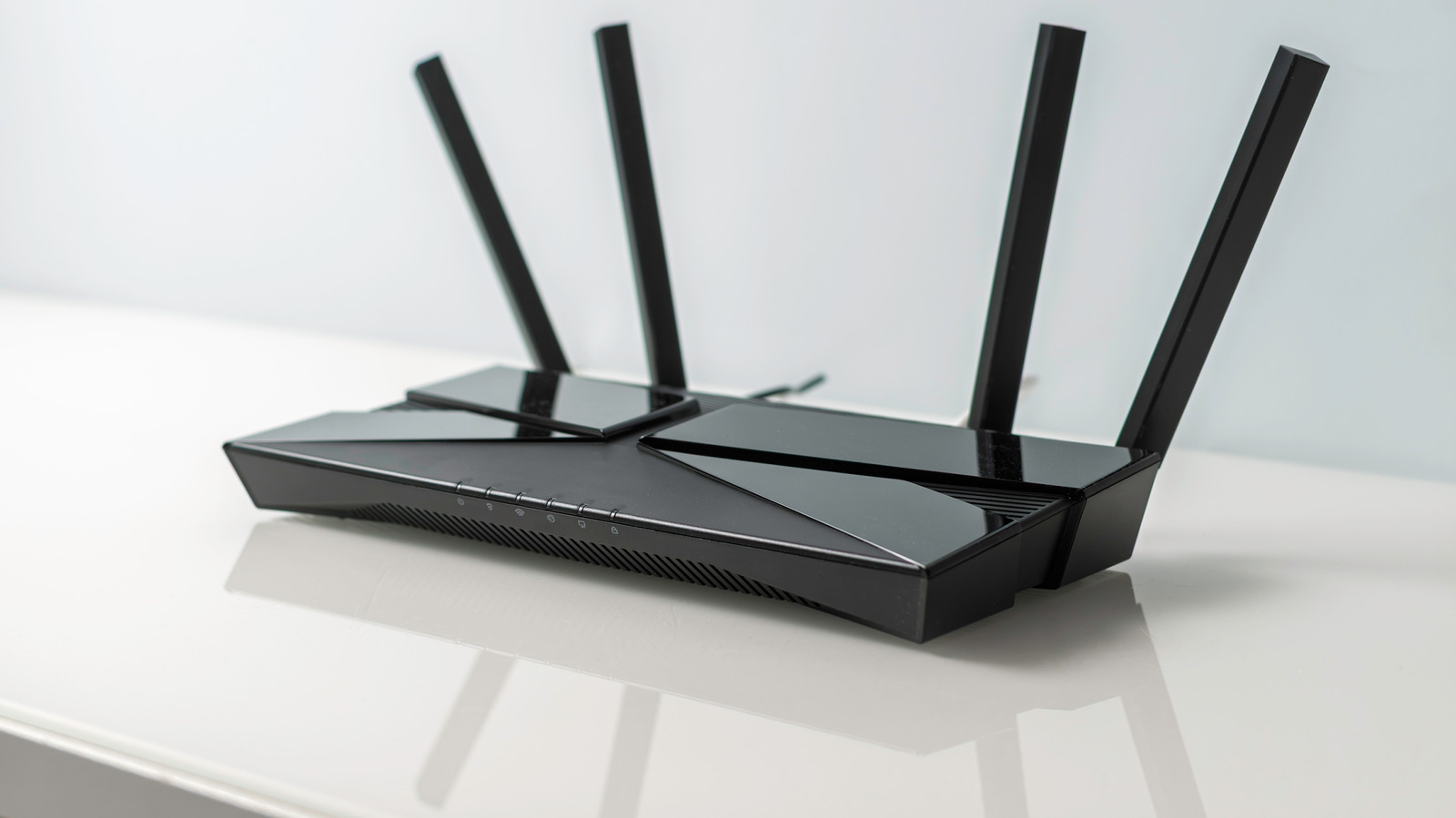
Shopping for a new router can be exciting, especially if you're expecting to finally say goodbye to network buffering at the best part of your show. But as exciting as it can be, it can also be confusing, thanks to all the technical jargon splashed across router listings, including Wi-Fi 6E, Wi-Fi 7, 6GHz and tri-band or dual-band.
On one hand, there's the good ol' dual-band router with its familiar 2.4GHz and 5GHz setup. On the other hand, there's the newer tri-band router, which is supposed to be an upgrade over dual-band routers. And in truth, it is. They have more bandwidth to work with thanks to their extra network band, but being better doesn't mean it's worth it for everybody. As you probably guessed, tri-band routers feature three network bands compared to two on dual-band routers: one 2.4GHz band and two 5GHz bands. Newer Wi-Fi 6E and Wi-Fi 7 tri-band routers take things a notch higher, dropping that second 5GHz band in favor of an entirely new 6GHz one, making it a 2.4GHz, 5GHz and 6GHz configuration instead.
A Wi-Fi band is like the different lanes on a highway for your internet traffic and each lane has its pros and cons. The 2.4GHz band has the longest range and better wall penetration but it comes at the cost of slower speed and more congested network since common devices like Bluetooth, microwaves and even neighboring routers can cause interference. 5GHz is much faster and less crowded, but it has a shorter range. The 6GHz band is the fastest of the three, is usually less congested and rarely deals with interference, but it has the shortest range and not many devices support it. And yes, most routers can broadcast all their bands simultaneously regardless of whether it's a dual-band or tri-band router.
One thing to note is that a faster band doesn't necessarily mean faster internet speed. Your band is the highway, but your internet plan is the speed limit. Your router's job is to ensure the network from your ISP gets distributed efficiently, so each device gets what it needs to operate.
Compared to dual-band, the main advantage of opting for a tri-band router is increased capacity; the extra band gives devices more room to download and upload information at once without slowing down, especially in busy homes or mesh setups. So, unless your house is network-busy and experiences a lot of congestion, you'd be just fine with a dual-band router. By "network-busy," we don't just mean houses with a lot of devices connected. For example, a home with 30 smart bulbs and only one person gaming online isn't necessarily busy, but a household where five-plus people are constantly streaming in 4K, gaming and hopping on video calls is definitely network-busy. Even then the best dual-band Wi-Fi 6 routers paired with a sufficiently high internet plan can probably handle it if you properly sort your devices across the router's two bands.
Where tri-band routers really shine is in mesh networks . The third band can be dedicated entirely to the backhaul caused by the units in your mesh network (nodes) talking to each other and passing data from the internet while the remaining two bands stay free for your devices. In a dual-band mesh setup, that node-to-node traffic happens on the same band your phone, laptop and other devices are already competing for, which can lead to congestion.
Read Full Story at Engadget →