Apple removes double-press shortcut in watchOS 27
Apple removed the double-press side button shortcut in watchOS 27, eliminating the ability to quickly toggle between apps and the watch face. Power users who relied on the feature must now use slower…
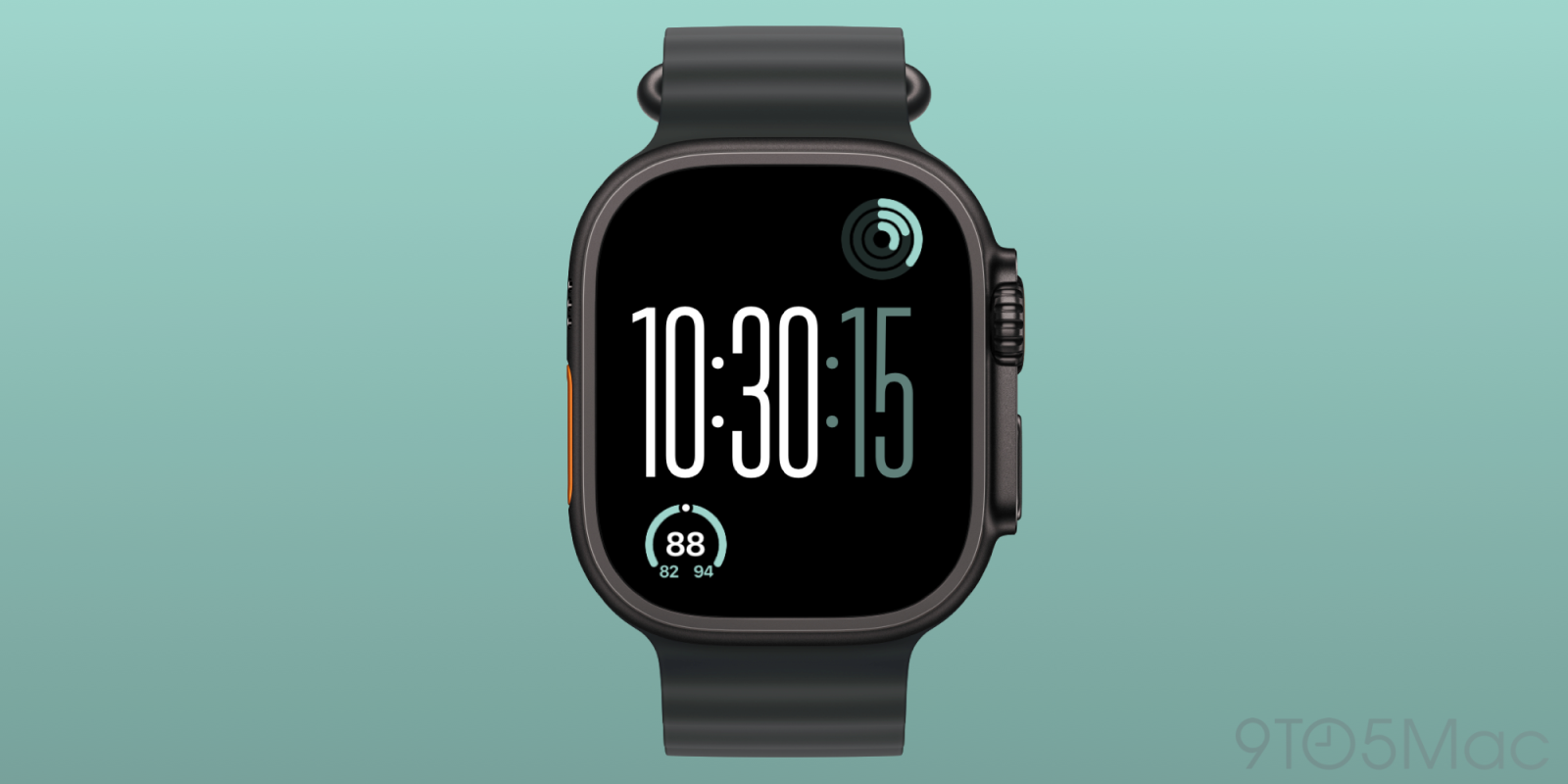
Apple is removing a long-standing multitasking shortcut from the Apple Watch in watchOS 27, a move that has frustrated some users who relied on it daily.
The feature in question is the side button double-press shortcut, which for years let users quickly switch between their last-used app and the watch face. Apple has quietly phased it out over multiple watchOS updates, replacing it with a single-press shortcut to the Dock in newer versions. The change reflects Apple’s broader push to simplify navigation on the small screen, but it removes a workflow that many users had memorized. Reports from beta testers confirm the double-press now triggers only the Dock or complications, depending on settings, with no option to revert to the old behavior.
The shift started gradually. In watchOS 9, Apple introduced the single-press Dock shortcut as the default, keeping the double-press as a legacy option. But in watchOS 27, that fallback appears gone entirely. Apple hasn’t publicly explained the removal, but internal feedback suggests the company is prioritizing consistency and battery life over customization. The change also aligns with Apple’s recent focus on watchOS’s health and fitness tools, where quick access to the face is more critical than app switching.
Users who relied on the double-press for instant app toggling now have to adapt. They can still swipe up for Control Center or long-press the side button to access the Dock, but neither is as fast as muscle memory. Apple hasn’t announced a reversal, and the change is expected to roll out with the public release of watchOS 27 later this month. For power users, the loss is real—but for most, it may go unnoticed.
Read Full Story at 9to5Mac →