Android Auto vs Apple CarPlay: What features set them apart
The differences between the iPhone and Android show up when you connect them to your car, as well. Most car manufacturers have thrown their support behind Android Auto and Apple CarPlay over the las…
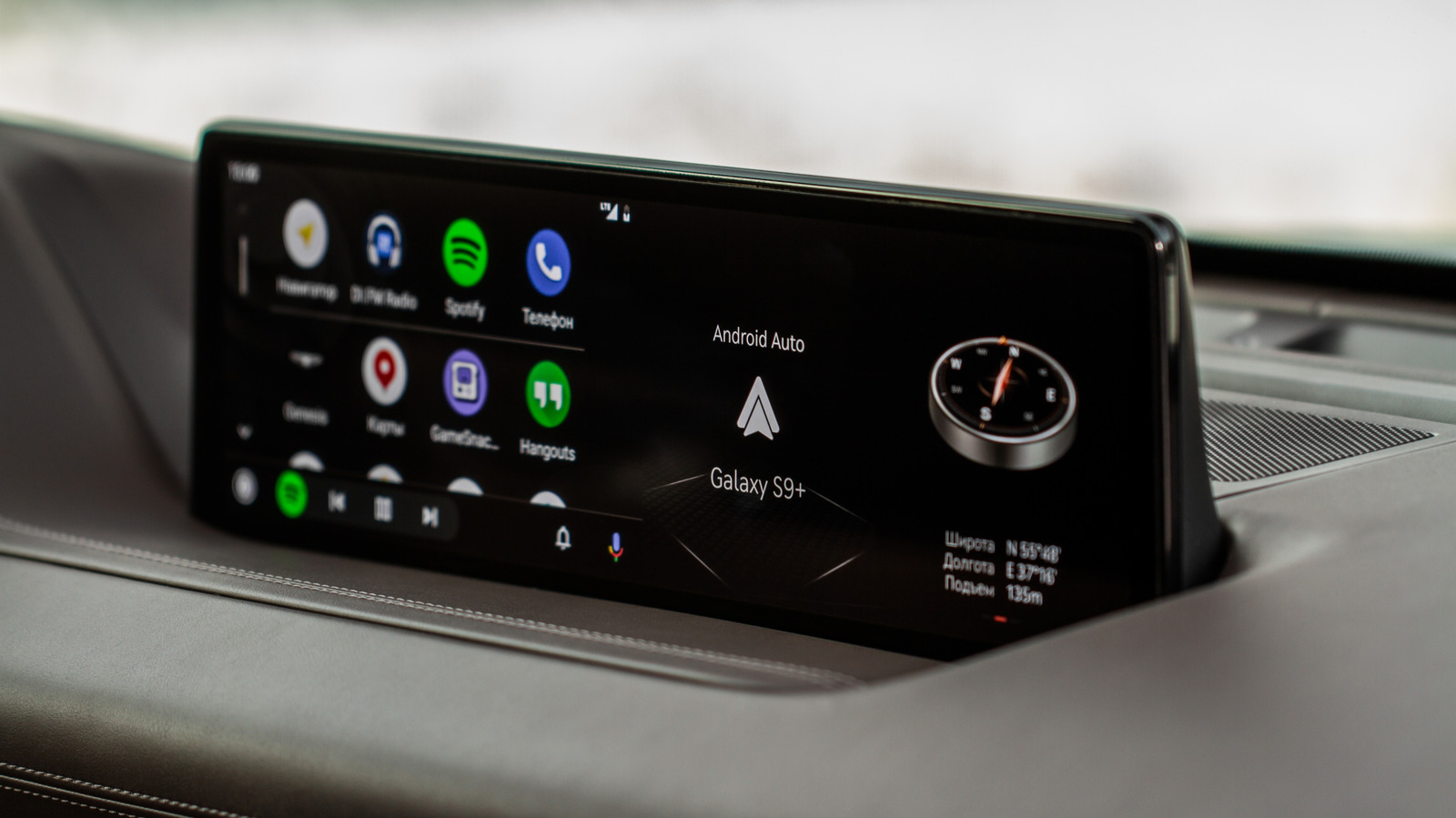
The differences between the iPhone and Android show up when you connect them to your car, as well.
Most car manufacturers have thrown their support behind Android Auto and Apple CarPlay over the last decade, which means it's easy to carry on using your phone's apps and services while you're driving. These two mirroring services feel like an extension of your Android smartphone or iPhone, but just as Apple and Google's phones are filled with differences, you'll find the same when using Android Auto or CarPlay.
CarPlay has plenty of features, but Google's approach to Android Auto means that users have access to more advanced features and more frequent updates, with enough to set it apart from its Apple counterpart — for now, at least.
The Android Auto and Apple CarPlay experiences are polished extensions of those you'll find on your phone. Where they differ is in the depth of those experiences. For end users, Google has always allowed more customization to the Android interface, while Apple sticks to its tried-and-tested formula.
While CarPlay's interface primarily focuses on one app at a time, Android Auto ships with a multi-window design. It gives drivers the option to set up exactly where maps, media playback and widgets appear on the screen, and how much space they take up. It's up to the driver to pick where each item will sit on screen.
To be fair to Apple, it is trying to close the gap, but only so far. It lets you rearrange your app grid, and it does offer a split-screen view for maps and music, but other features, such as setting a custom wallpaper, are restricted to a set of stock photos only. Google has no such restrictions for Android Auto. You can use your phone's background wallpaper on your Auto display, for instance. Apple's next-gen CarPlay Ultra , being tested by Aston Martin (and reportedly Tesla ) so far, may close the gap further. But, for now, the advantage is with Google.
Power users who enjoy tweaking their settings will find a home with Android Auto. An entirely secret developer settings menu exists in Google Auto to manually change some of Auto's most powerful settings.
You can use this menu to allow apps from unknown sources, particularly those you've sideloaded onto your phone, onto your car's display. This'll let you use apps like CarStream, which you can then use (in a roundabout way) to watch YouTube on your car screen: perfect for the kids while you drive, but not while you're driving yourself.
Read Full Story at Engadget →