Adobe adds Photoshop to Slack via MCP app
Adobe is integrating Photoshop, Firefly, and 70+ creative tools into Slack via its MCP app, letting teams edit files directly in chats. Early tests show this cuts app-switching time by up to 40%, str…
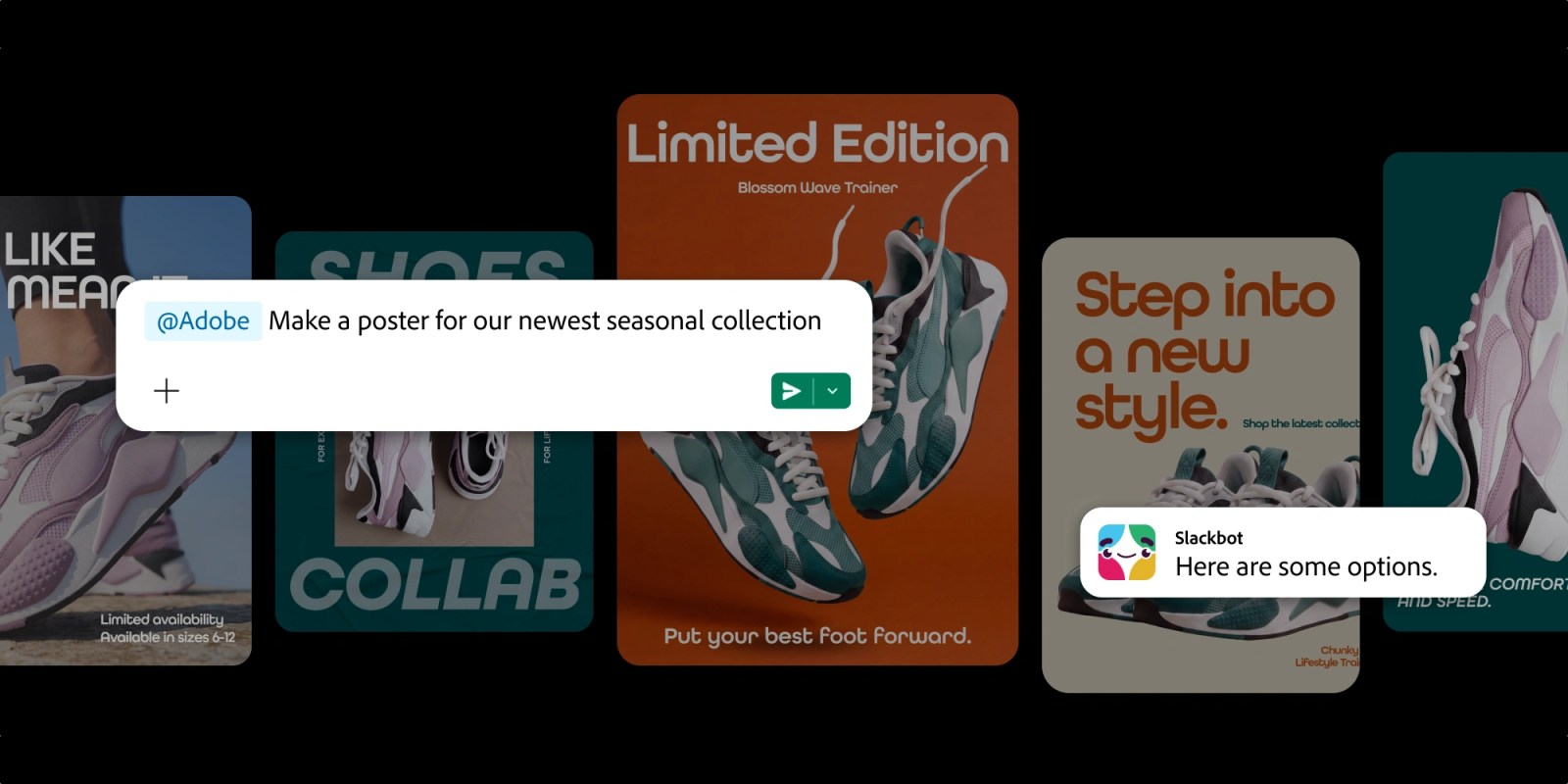
Adobe is bringing Photoshop, Firefly, and more than 70 other creative tools straight into Slack, letting teams edit images, videos, designs, and PDFs without leaving the chat app.
The move plugs Adobe’s creative suite into the daily workflow where work actually happens. Slack is already where teams share files, comment, and make decisions; now they can edit those files without jumping to another tool. Adobe’s broader push to integrate its apps with platforms like Microsoft Teams and Google Drive makes this a natural next step. The company has been building its “Model Context Protocol” (MCP) to let AI and creative tools talk to each other more easily, and Slack is the latest partner to plug into that system.
Under the hood, the new app uses Adobe’s MCP server to translate Slack commands into creative actions. Users can type prompts like “enhance this photo” or “add a logo to this PDF,” and the changes appear back in the channel. Adobe says early tests show teams cut time spent switching between apps by up to 40%, especially in marketing, design, and content roles. The integration also brings Firefly’s AI features—like generative fill and text effects—into Slack for the first time, giving non-designers quick ways to tweak visuals.
The rollout starts with a limited beta for Slack Enterprise Grid customers this month. Adobe plans to expand to all Slack tiers and add more tools over time, including Express and Stock assets. If it catches on, it could push other creative suites to build similar Slack integrations—turning the chat app into a mini creative studio. The bigger shift is Adobe’s bet that the future of work isn’t just about sharing files, but editing them in the same space where the work gets talked about.
Read Full Story at 9to5Mac →